Before you start
- The exact shipping rate labels shown in your live checkout.
- The order you want the rates to appear in.
This makes the setup easier and avoids ordering the wrong rates.
Watch it instead
Prefer video? Watch the quick tutorial for this setup.
Steps
Step 1 — Install Nex Reorder
Install Nex Reorder from the Shopify App Store and approve the required permissions. If it is already installed, continue to the next step.
Step 2 — Open Quick Reorder Shipping Method
From the Shipping Methods section, select Quick Reorder Shipping Method.
Step 3 — Name the rule
Enter a clear rule name so you can identify it later. Example: Move Express Shipping First.
Step 4 — Add the shipping rates
Add the shipping rates you want to reorder. You only need to add the rates you want to control. Rates you do not add will remain below them.
Step 5 — Set the display order
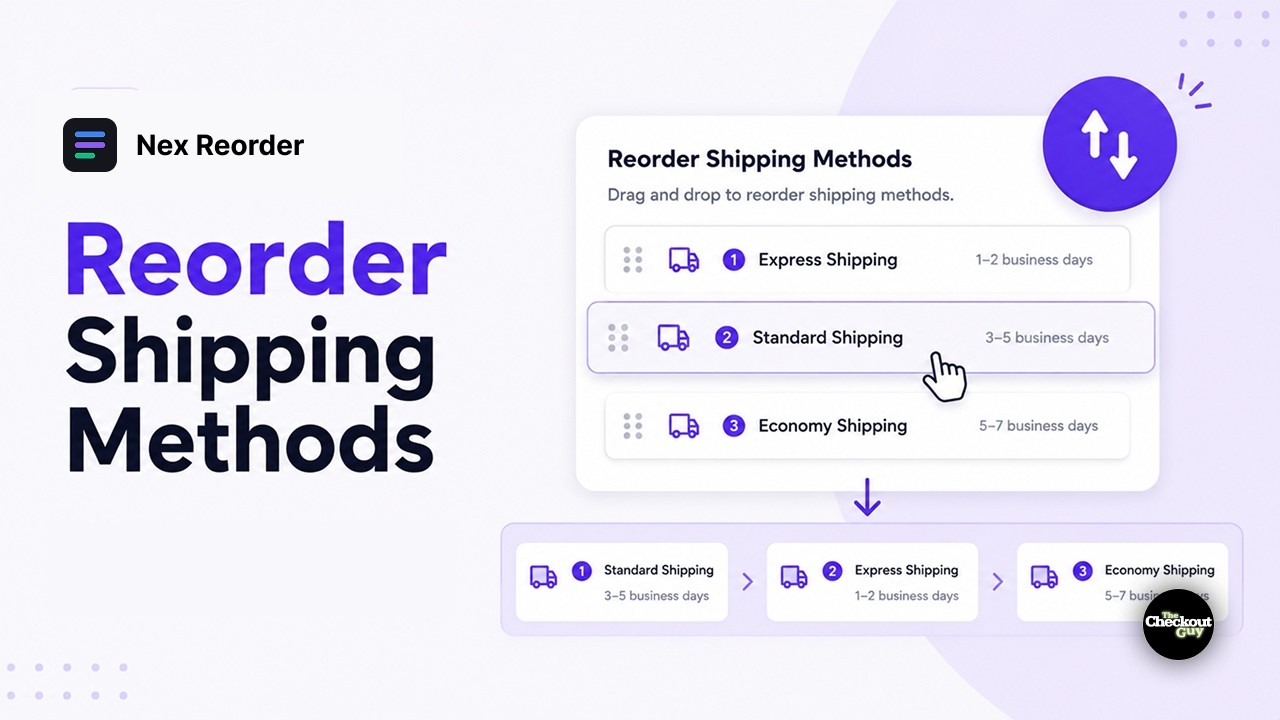
Under Display Order, arrange the rates in the order you want. The rate at the top appears first at checkout.
- Drag rows by the handle on the left to change the order.
- Use Edit positions manually if you prefer to type the positions instead.
Step 6 — Use Move to bottom if needed
Use Move to bottom if you want a rate to stay last in your reordered list. This is useful when you want to deprioritise a rate without hiding it.
Step 7 — Add conditions if needed
Add conditions if the shipping rate order should only apply in certain situations. For example, you may want a different rate order by country, market, or destination.
If you do not add a condition, the rule applies to every eligible checkout.
Step 8 — Activate the rule
Make sure Rule Status is set to Activated, then save.
Unlisted rates still appear
Any rate you do not add is not hidden. It will still appear after the rates you reordered.
Verify it worked
Open checkout and check:
- The shipping rates appear in the order you set.
- The first listed rate appears first and may become the default selection.
- If you added conditions, the normal order still appears when the rule should not apply.
Common setups
| Goal | How |
|---|---|
| Lead with free shipping | Move Free Shipping to the top |
| Push a faster paid option | Put Express first; it often lifts average shipping revenue |
| Deprioritise slow economy rates | Move to bottom |
| Local pickup first for nearby customers | Shipping ZIP is one of your local codes |
| Different order per market | One rule per country group |