Before you start
- The exact shipping rate name shown in checkout.
- The new name you want customers to see.
Keep the new name short and easy to understand.
Watch it instead
Prefer video? Watch the quick tutorial for this setup.
Steps
Step 1 — Install Nex Reorder
Install Nex Reorder from the Shopify App Store and approve the required permissions. If it is already installed, continue to the next step.
Step 2 — Open Quick Rename Shipping Method
From the Shipping Methods section, select Quick Rename Shipping Method.
Step 3 — Name the rule
Enter a clear rule name so you can identify it later. Example: Rename Standard Shipping.
Step 4 — Add the shipping method
Select the shipping method you want to rename. Use the exact shipping method name shown in checkout.
Step 5 — Add a renaming pair
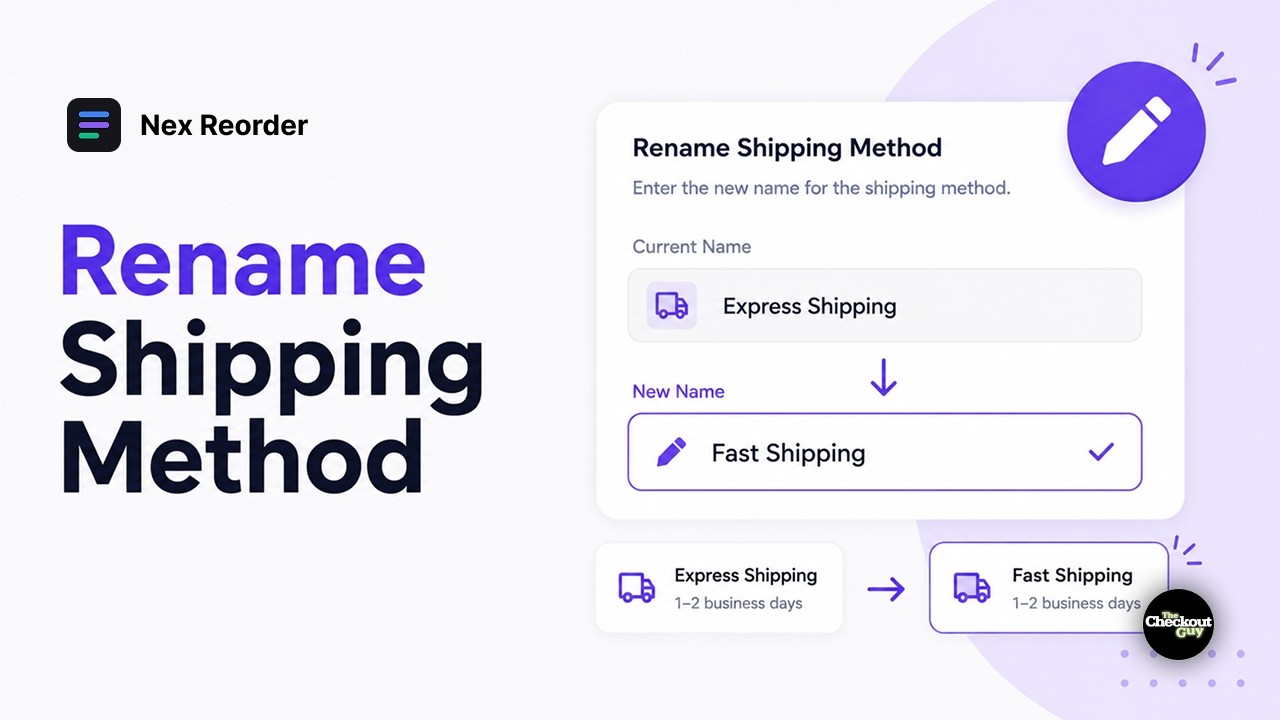
Under Renaming Pairs, click Add Renaming. Enter the current shipping method name and the new name.
Example: Standard Shipping → Economy (5–7 days)
You can add more renaming pairs if you want the same rule to rename multiple shipping methods.
Step 6 — Add conditions if needed
Add conditions if the new shipping name should only appear in specific situations. For example, the label can be different by country, destination, or customer.
If you do not add a condition, the rule applies to every eligible checkout.
Step 7 — Activate the rule
Make sure Rule Status is set to Activated, then save.
Checkout only
Checkout only
The new name appears at checkout only. Shopify admin, order confirmations, packing slips, and notification emails keep the original shipping rate name.
Verify it worked
Open checkout and check:
- The new shipping method name appears when the rule applies.
- If you added conditions, the original name still appears when the rule does not apply.
Common rename examples
| Original | Better | Why |
|---|---|---|
| Standard Shipping | Economy (5–7 days) | Sets the delivery expectation |
| FEDEX_2_DAY_AM | Express — arrives by noon | Carrier code to plain language |
| Economy International | International (10–15 days) | Removes the guesswork |
| Local Pickup | Collect in store — free | Says it costs nothing |
Use clear names that help customers understand the shipping speed, delivery time, or pickup option.