Hide Payment
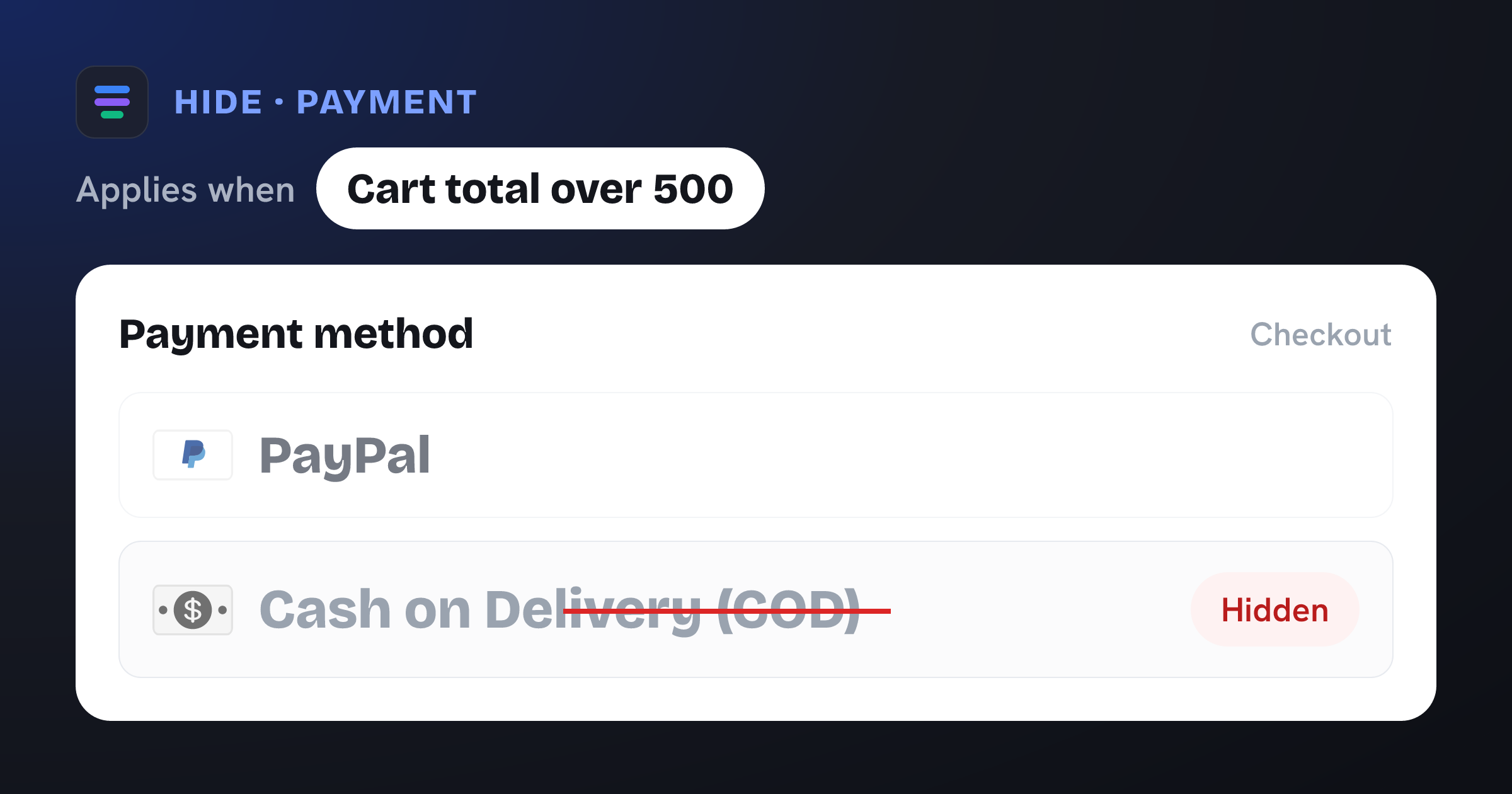
Hide COD above 500
Hide Cash on Delivery when the cart total is over 500. Change the amount to match your risk threshold — the value is in your store's currency.
View JSON
Ready-made rules for Shopify payment and delivery methods. Download any template as JSON and import it into Nex Reorder — then tweak it to your store and go live.
Hide Cash on Delivery when the cart total is over 500. Change the amount to match your risk threshold — the value is in your store's currency.
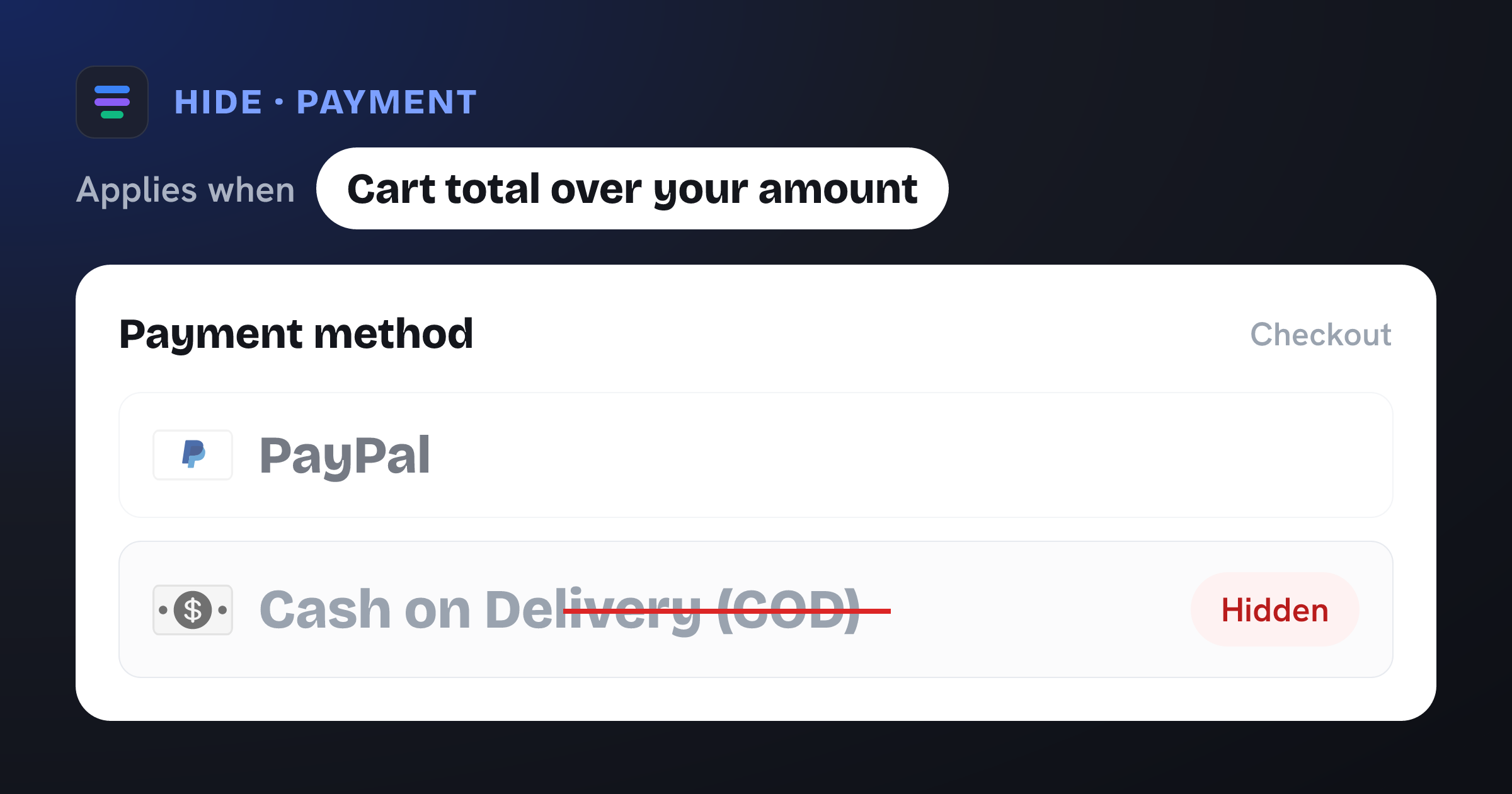
Hide Cash on Delivery when the cart total exceeds a threshold.
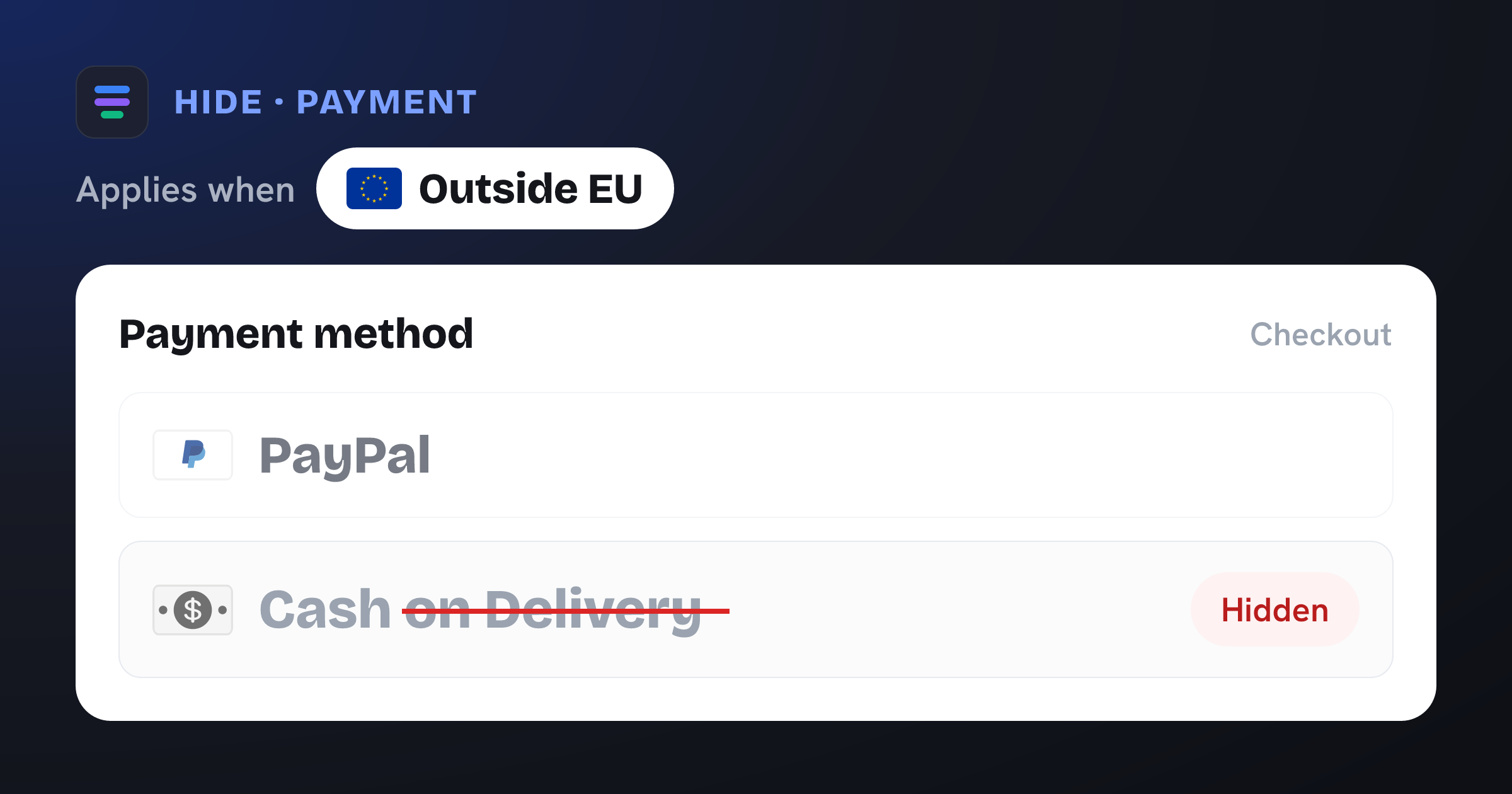
 Outside EU
 Hide Cash on Delivery when the shipping country is outside the European Union. All 27 EU countries are pre-selected — remove any you don't ship to.
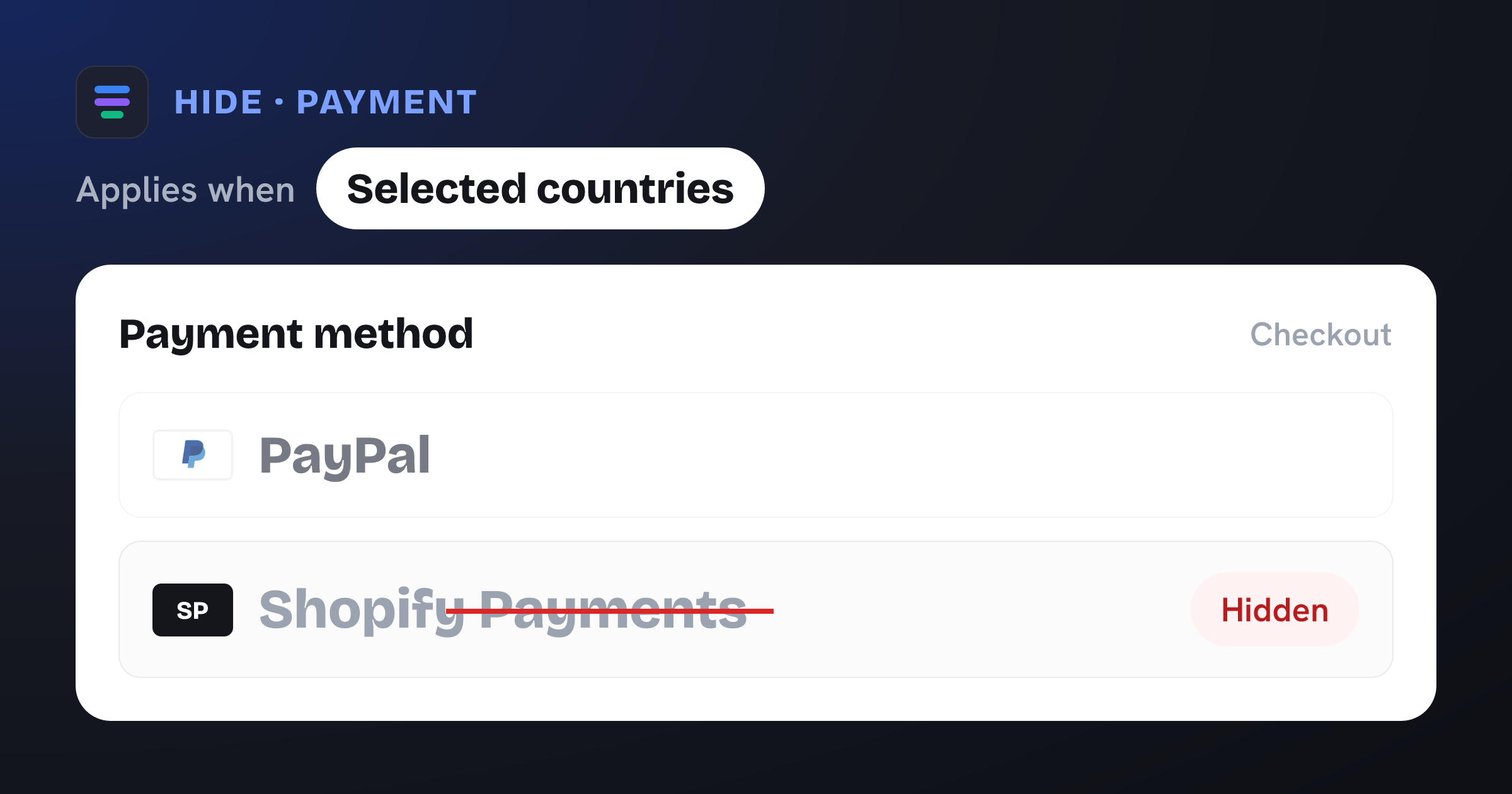
Hide Shopify Payments at checkout when the shipping country is one of your selection.
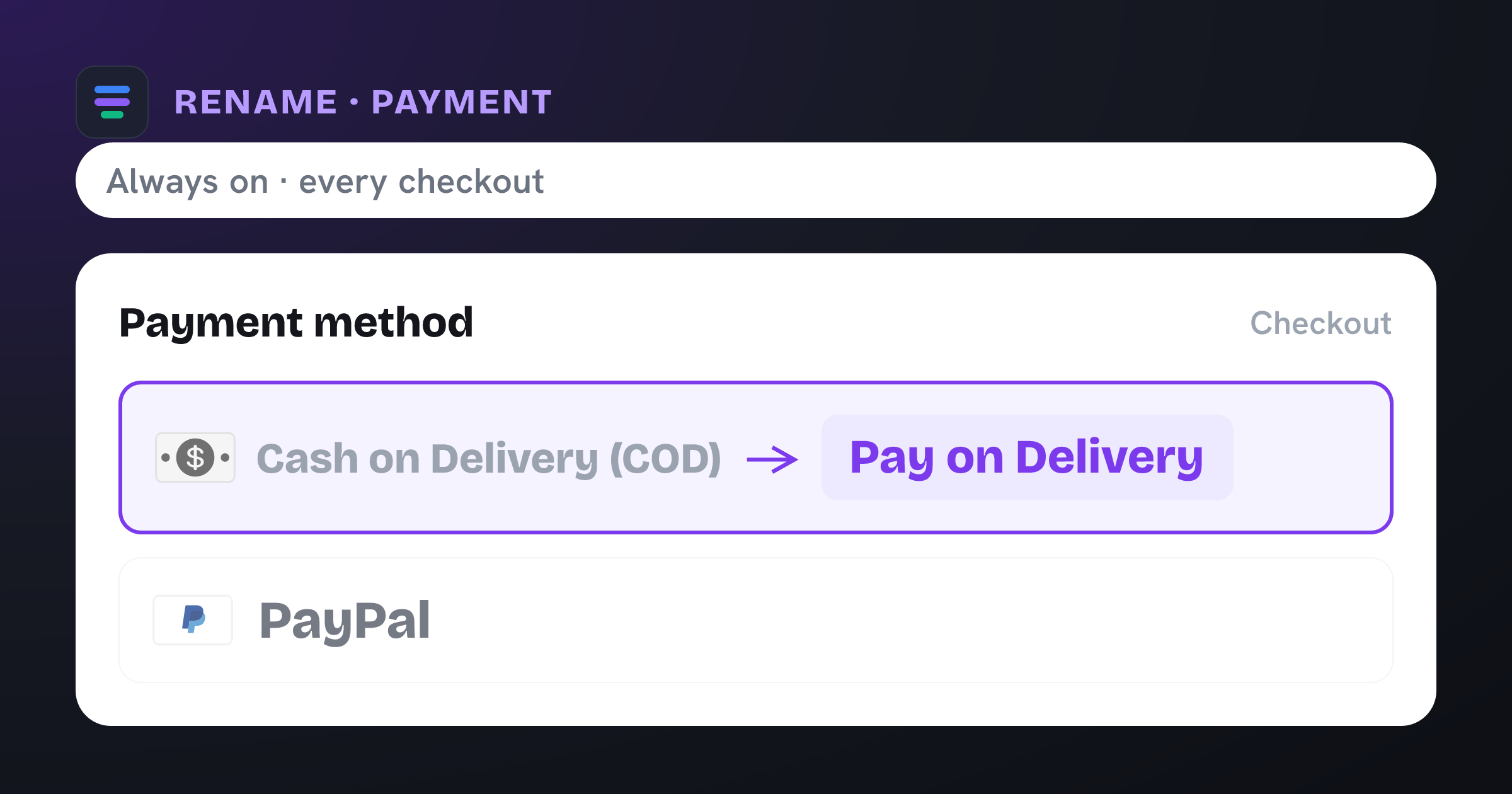
Change how the Cash on Delivery label appears at checkout.
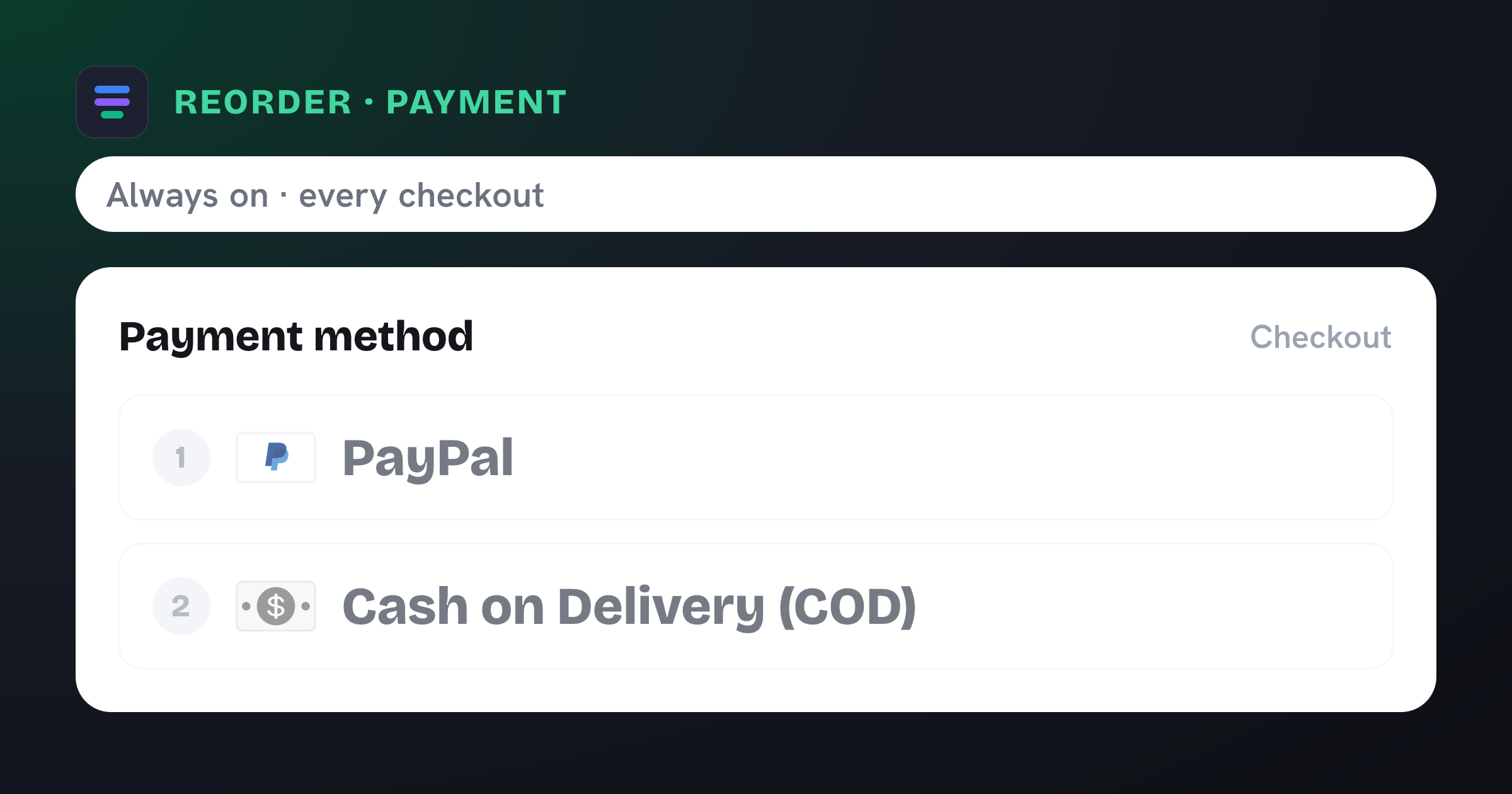
Deprioritize Cash on Delivery so it appears last at checkout.
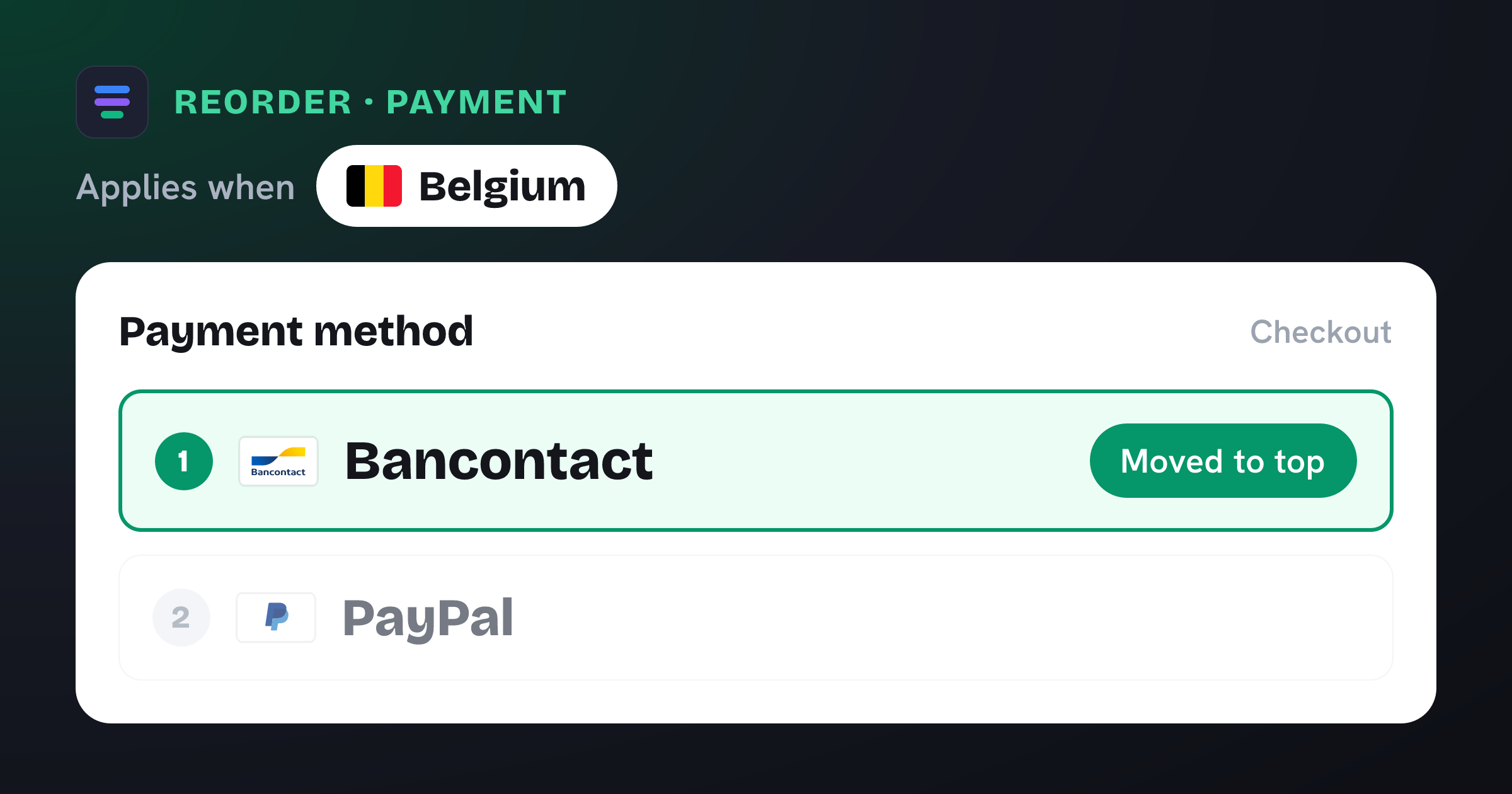
 Belgium
 When the shipping country is Belgium, move Bancontact to the first position at checkout so local shoppers see their preferred payment method by default.
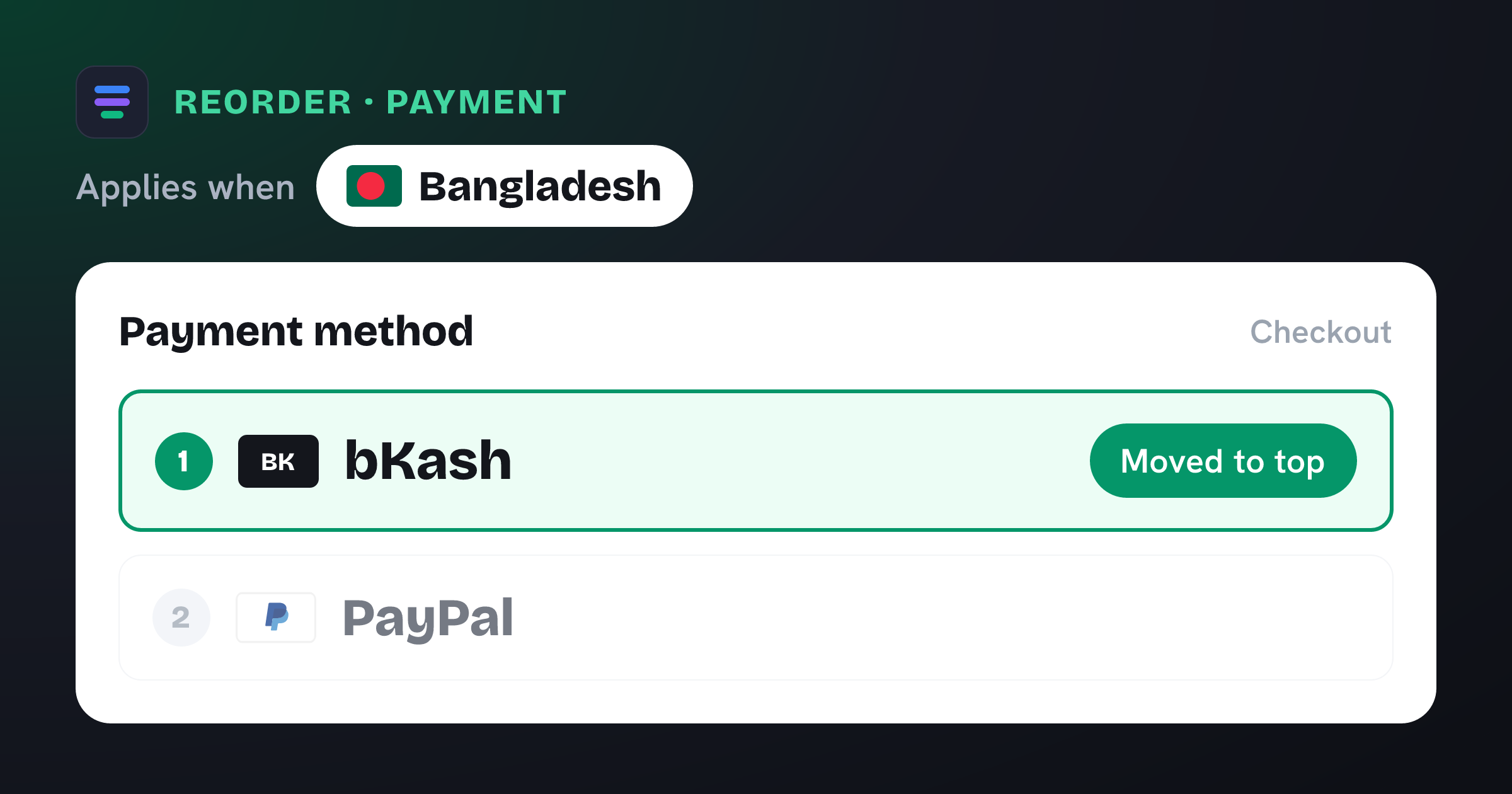
 Bangladesh
 When the shipping country is Bangladesh, move bKash to the first position at checkout so local shoppers see their preferred payment method by default.
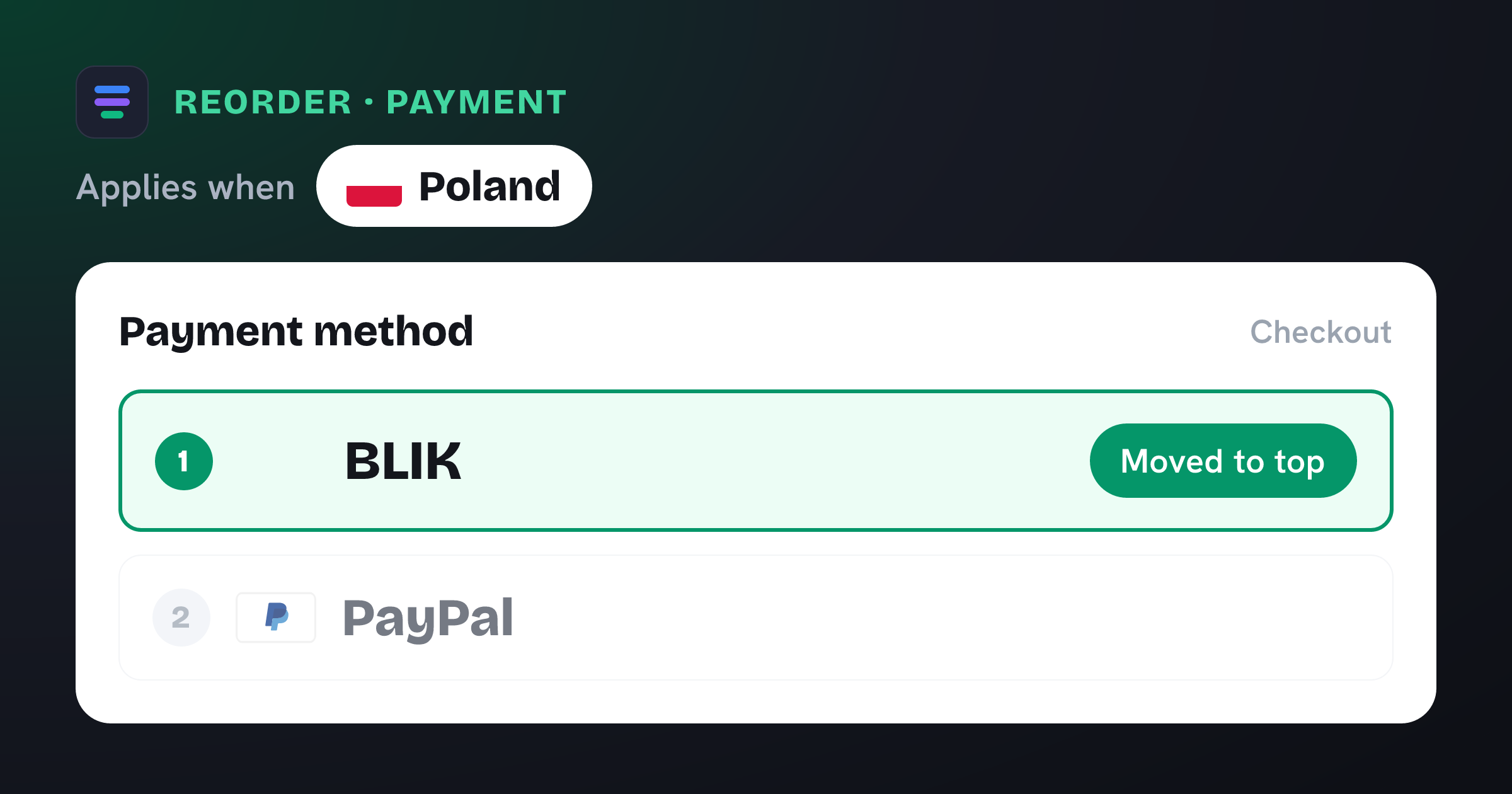
 Poland
 When the shipping country is Poland, move BLIK to the first position at checkout so local shoppers see their preferred payment method by default.
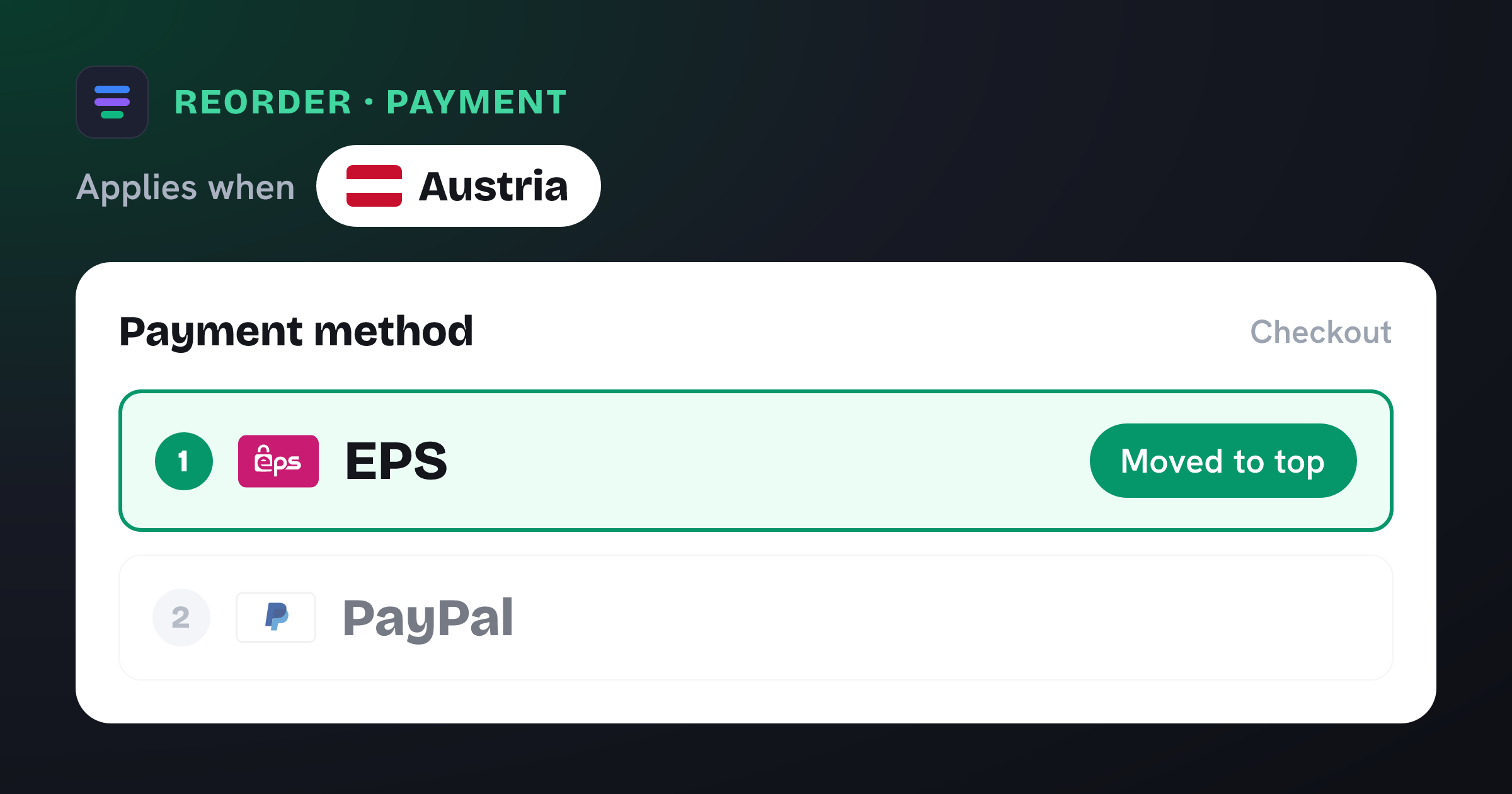
 Austria
 When the shipping country is Austria, move EPS to the first position at checkout so local shoppers see their preferred payment method by default.
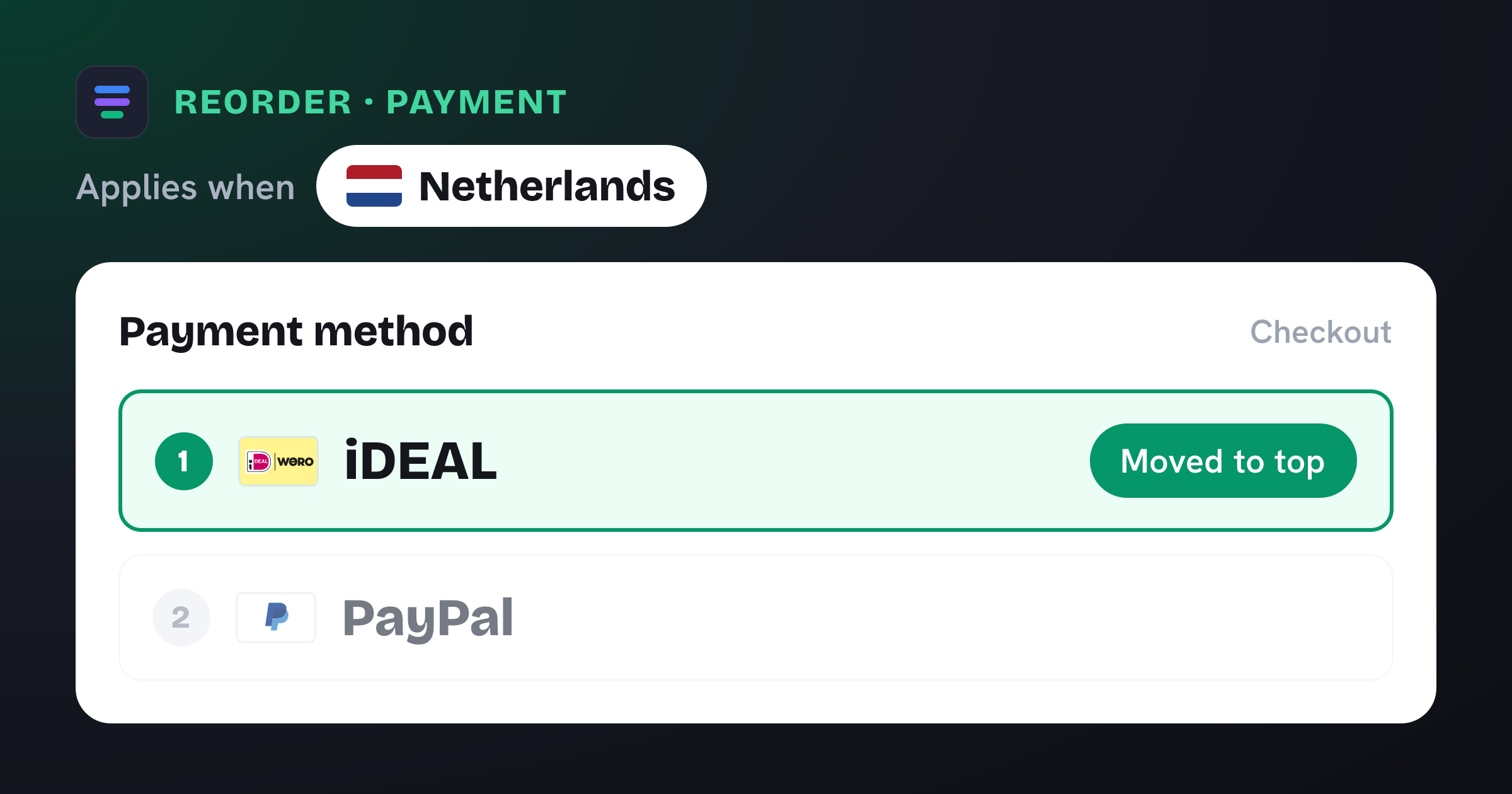
 Netherlands
 When the shipping country is the Netherlands, move iDEAL to the first position at checkout so local shoppers see their preferred payment method by default.
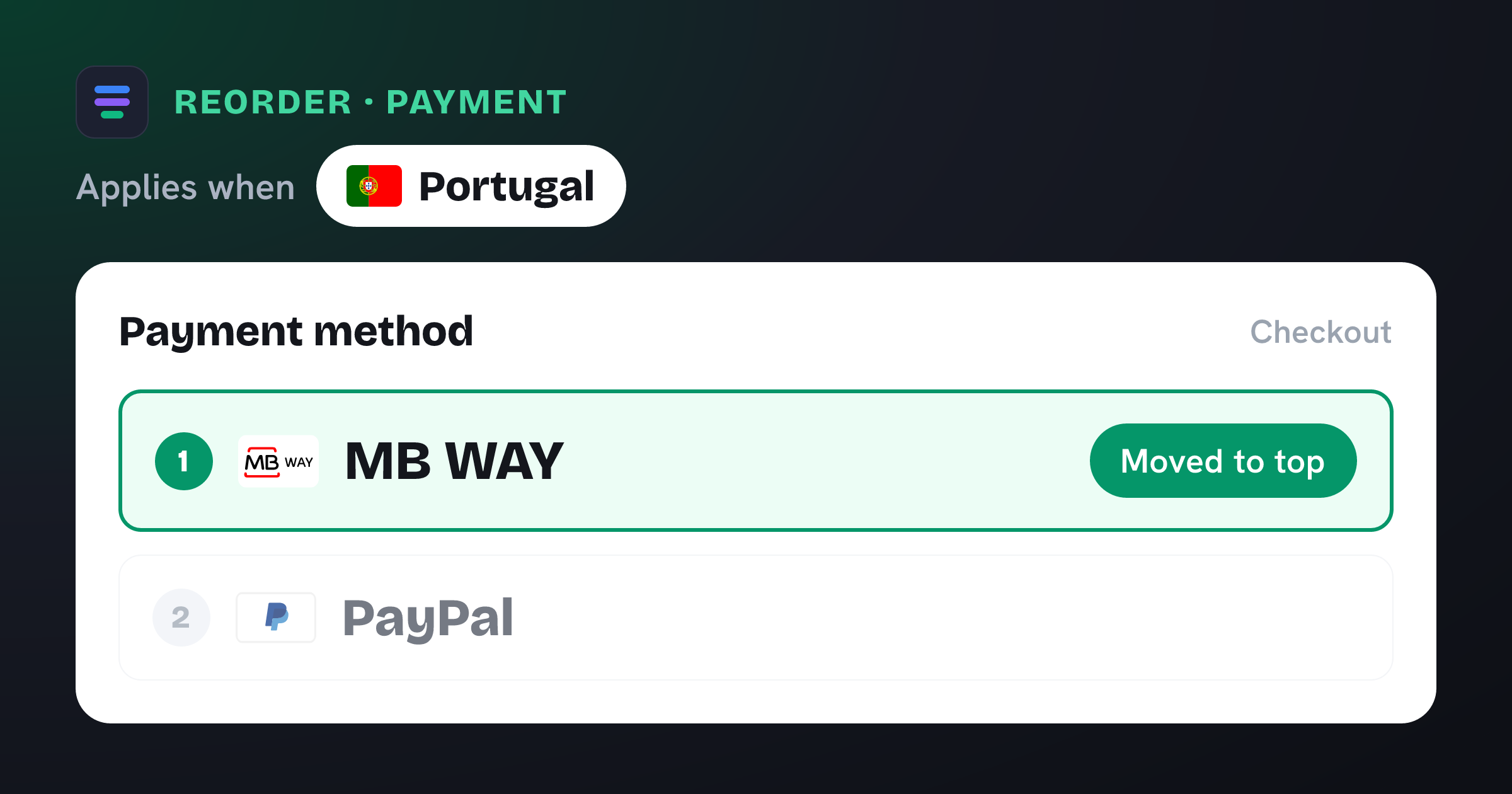
 Portugal
 When the shipping country is Portugal, move MB WAY to the first position at checkout so local shoppers see their preferred payment method by default.
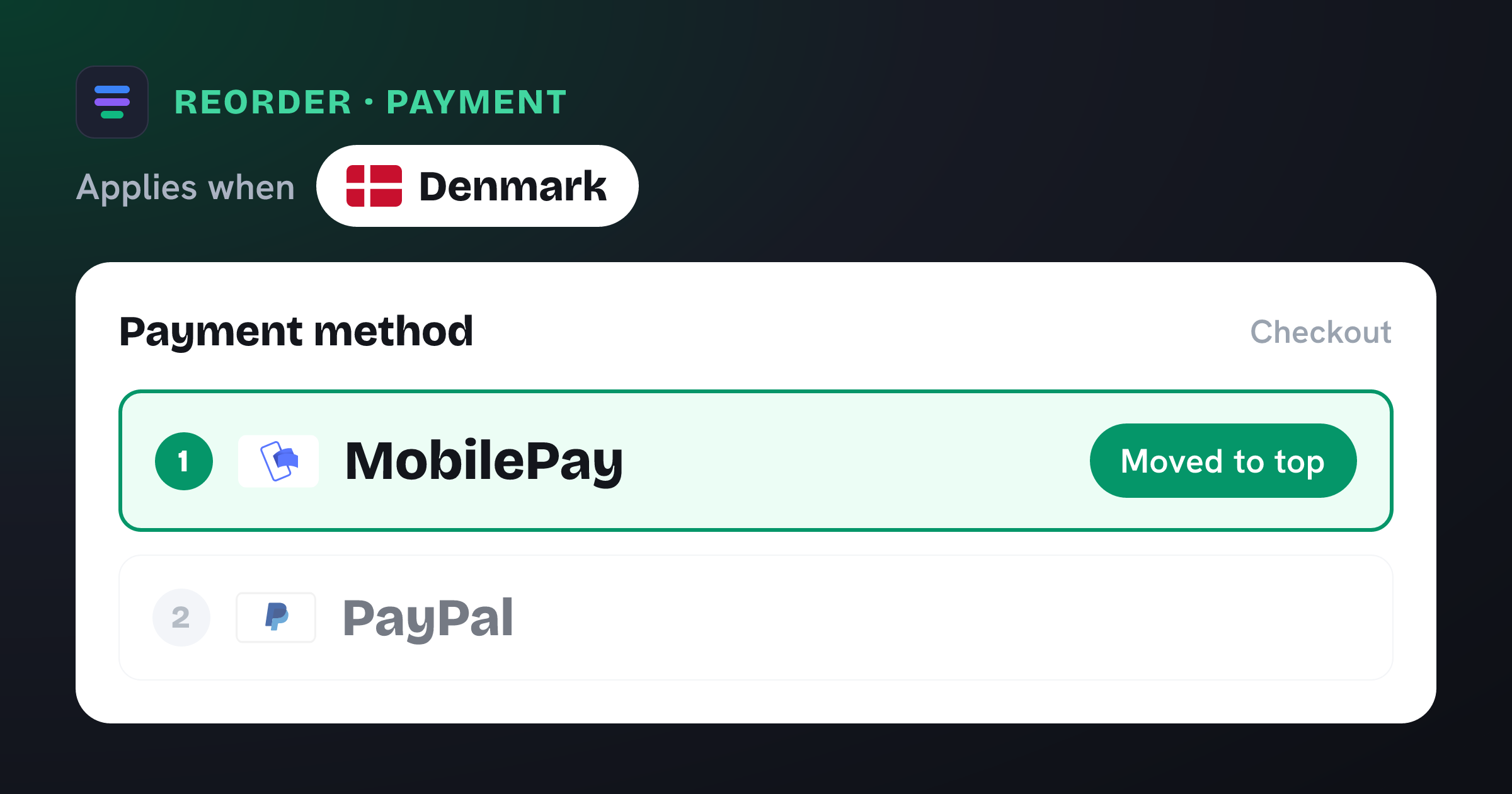
 Denmark
 When the shipping country is Denmark, move MobilePay to the first position at checkout so local shoppers see their preferred payment method by default.
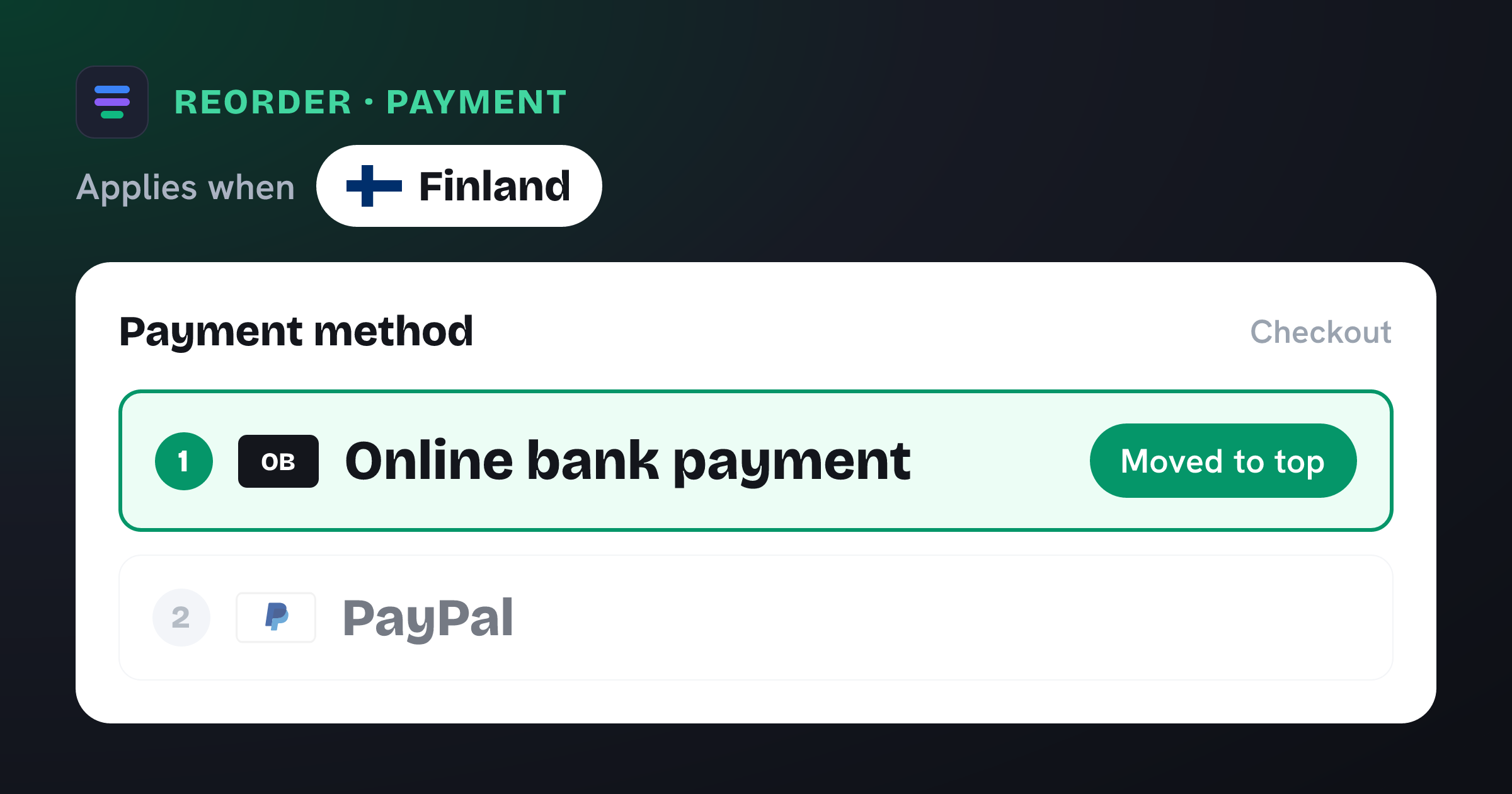
 Finland
 When the shipping country is Finland, move online bank payment to the first position at checkout so local shoppers see their preferred payment method by default.
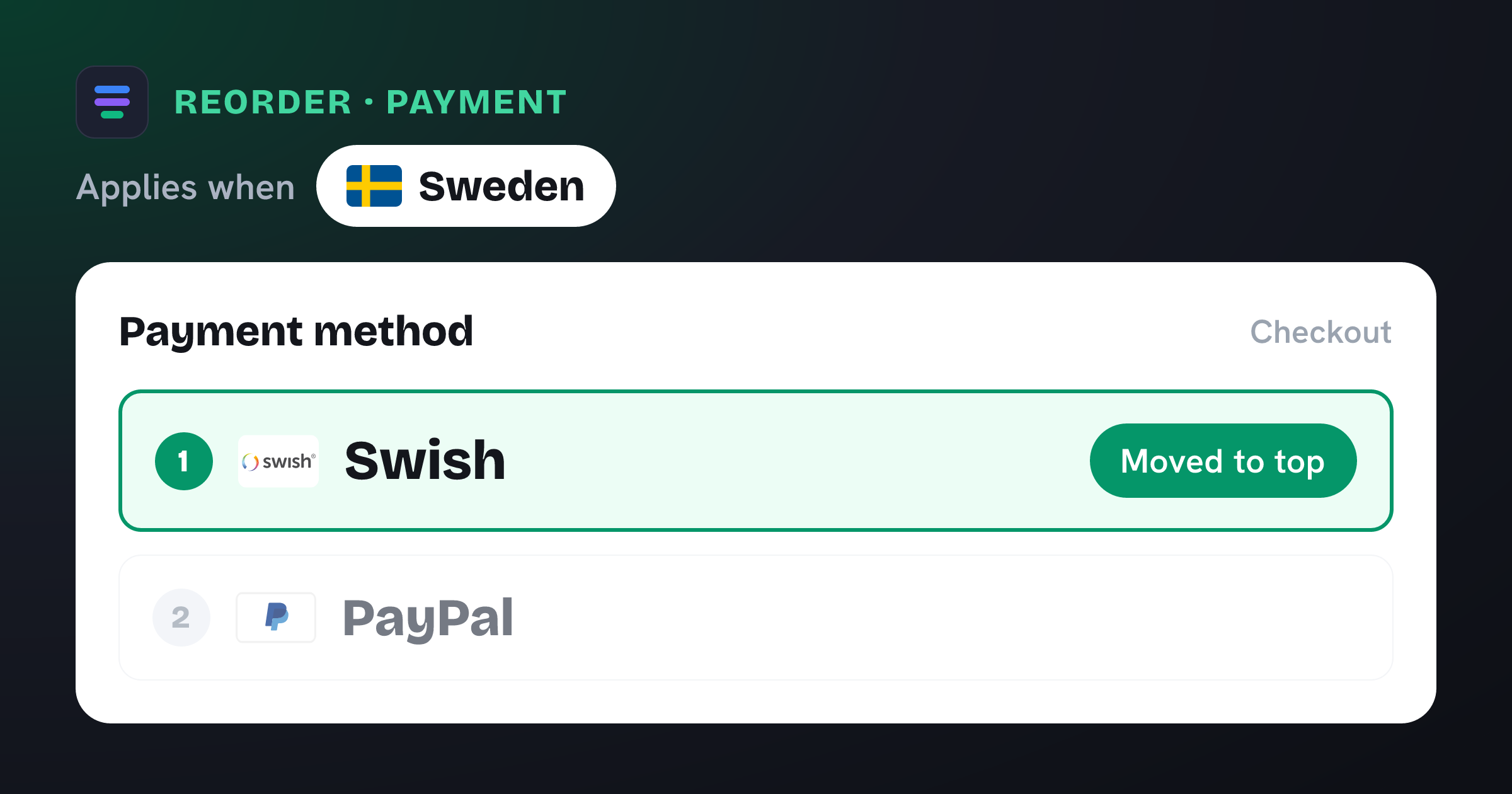
 Sweden
 When the shipping country is Sweden, move Swish to the first position at checkout so local shoppers see their preferred payment method by default.
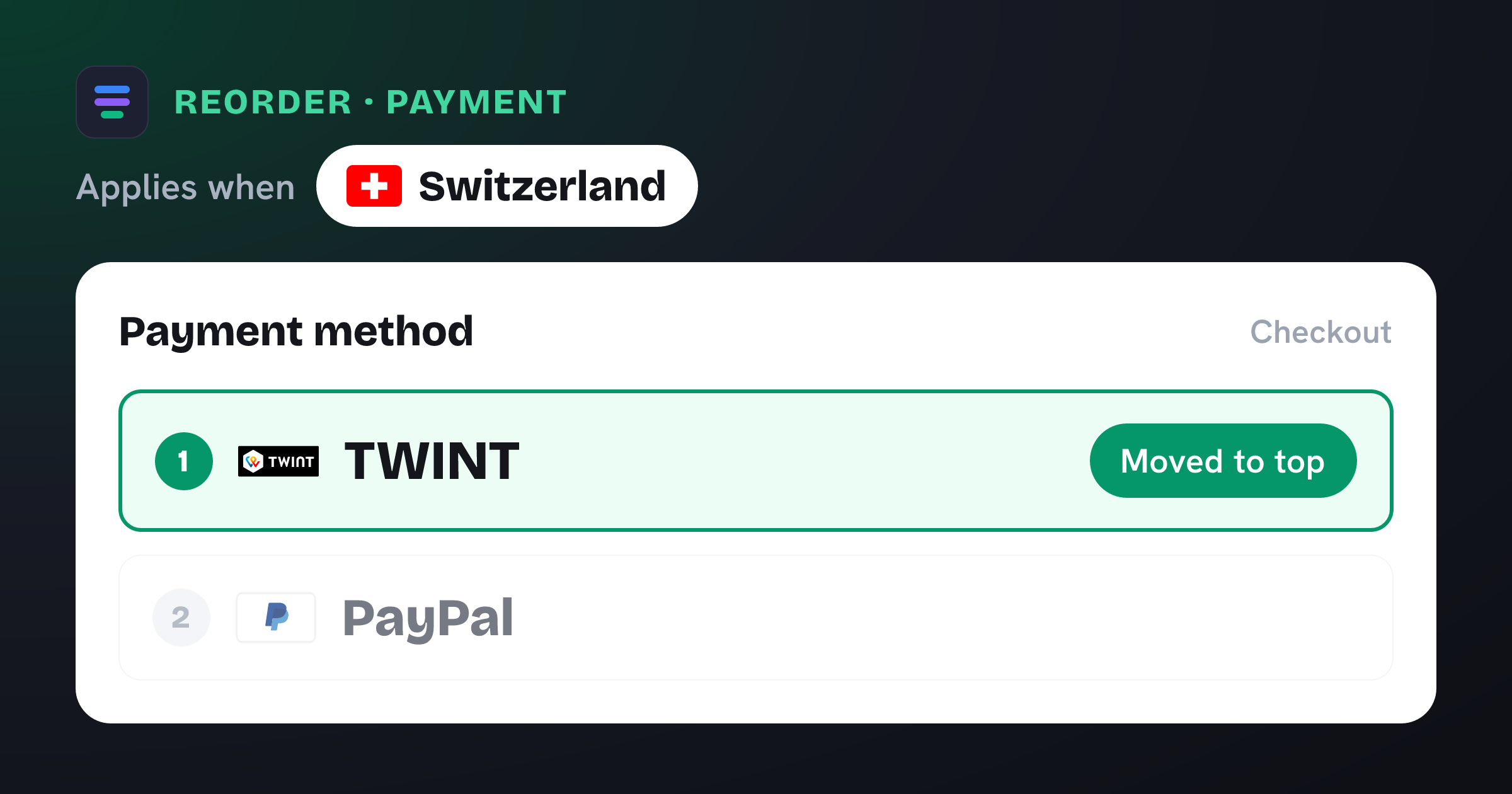
 Switzerland
 When the shipping country is Switzerland, move TWINT to the first position at checkout so local shoppers see their preferred payment method by default.
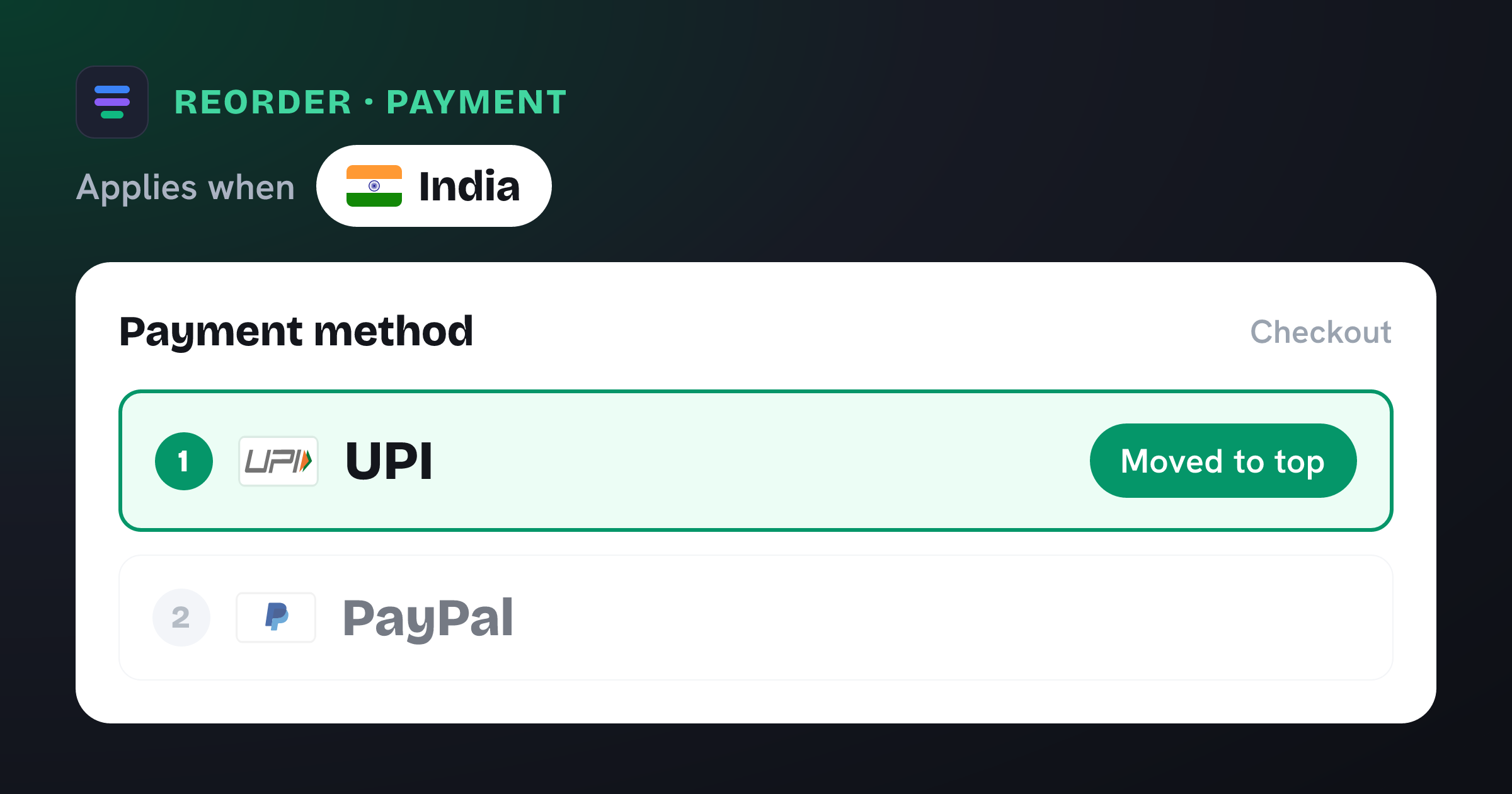
 India
India When the shipping country is India, move UPI to the first position and push Cash on Delivery to the bottom at checkout. If your gateway shows UPI as "Razorpay" at checkout, swap the method to match that label.
 Norway
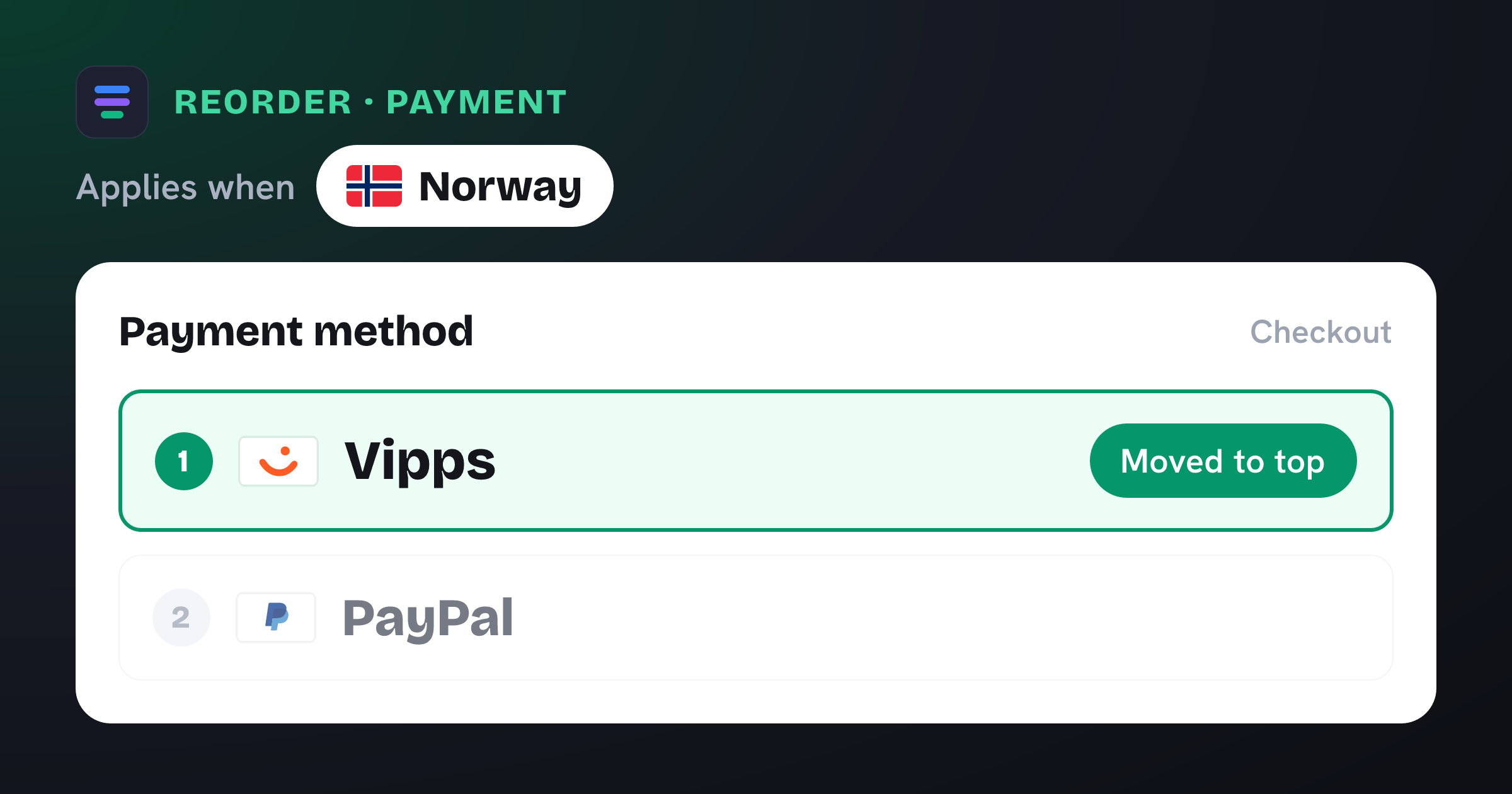
 When the shipping country is Norway, move Vipps to the first position at checkout so local shoppers see their preferred payment method by default.
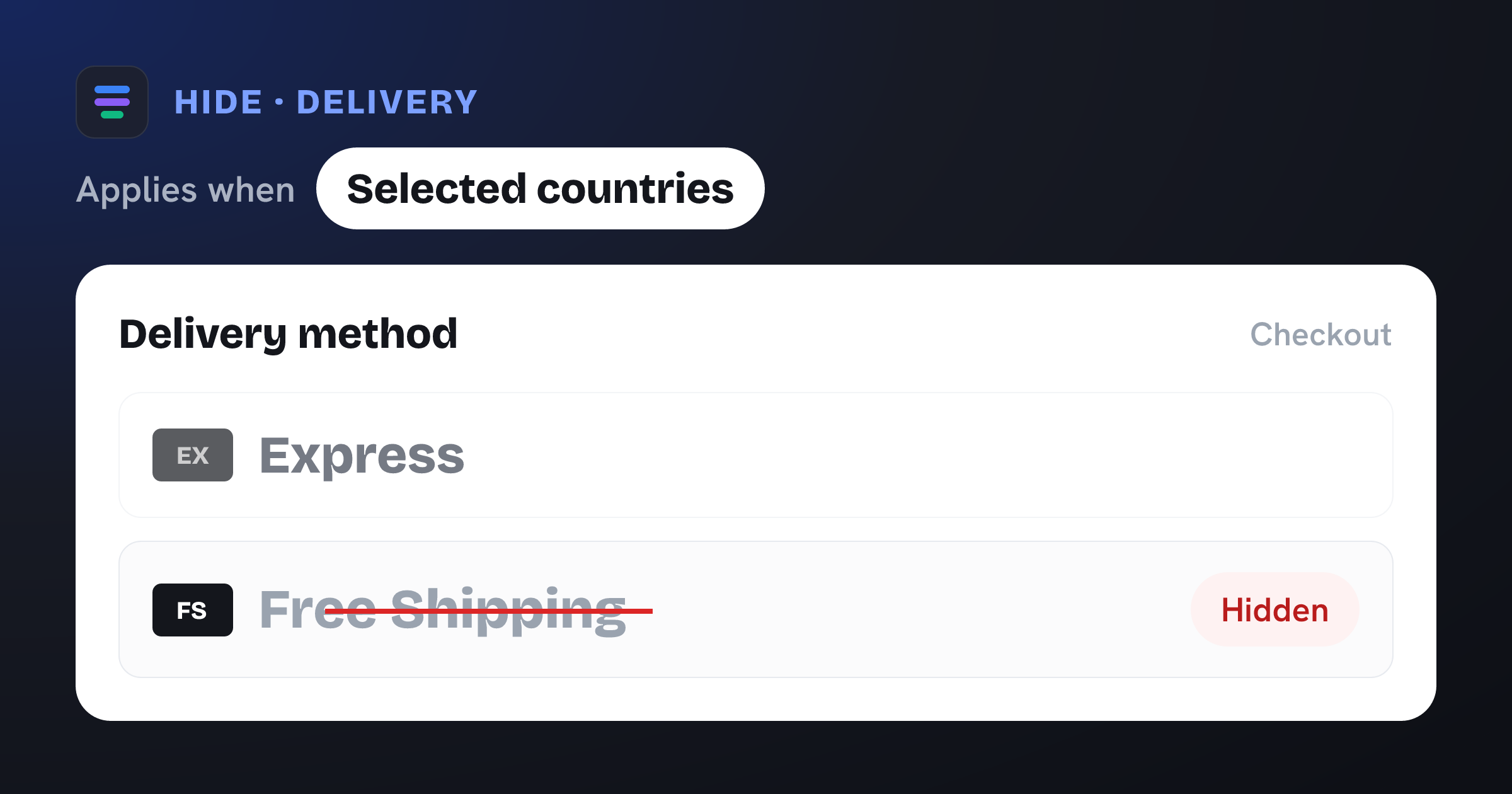
Hide the Free Shipping option except for a list of shipping countries.
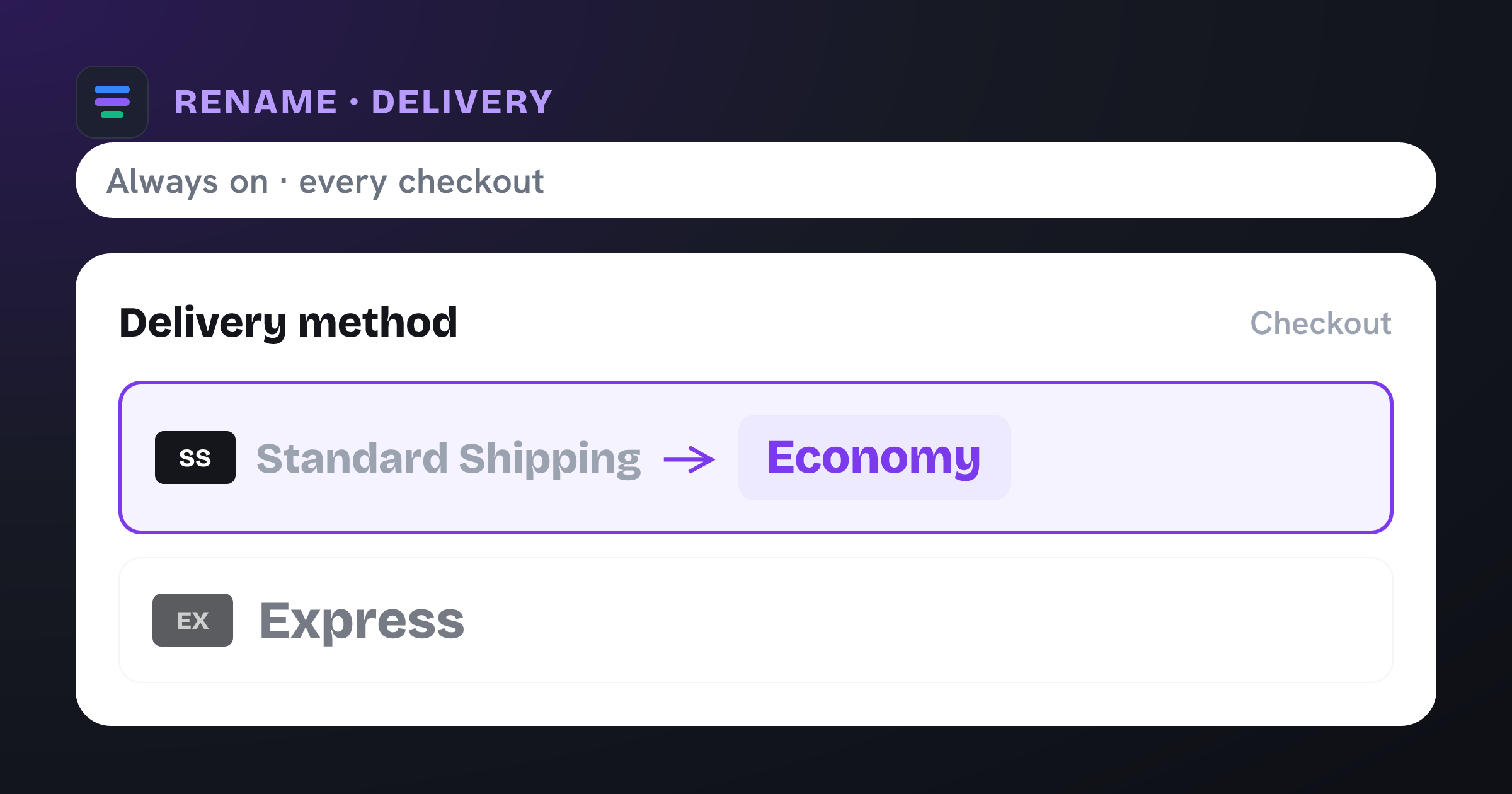
Display the Standard Shipping method as "Economy" at checkout.
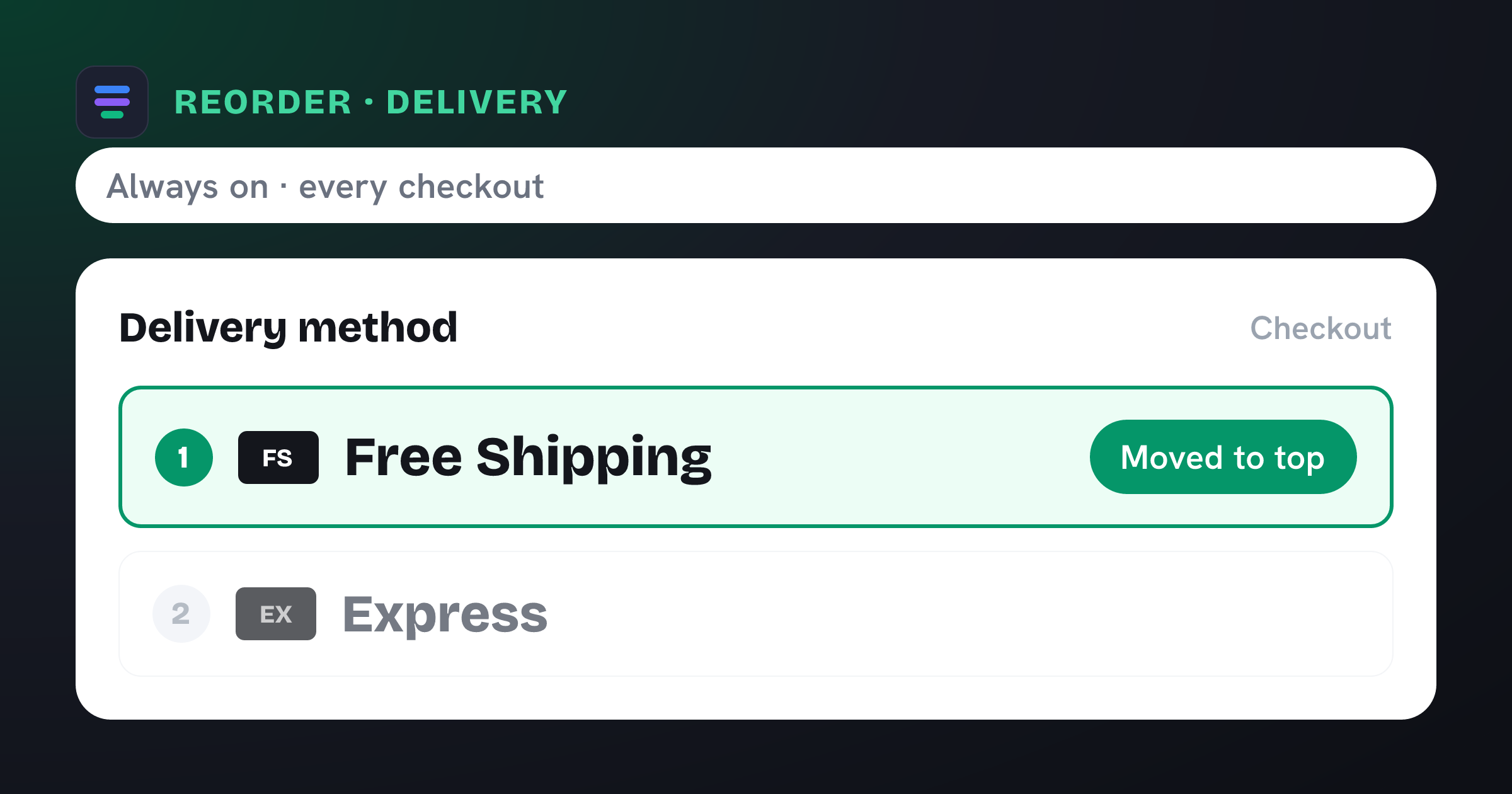
Show Free Shipping as the first option at checkout.
No templates match your search.
One app, $4.99/month, free trial. No code required.