Hide Free Shipping for selected countries
Hide the Free Shipping option except for a list of shipping countries.
Free template · imports into Nex Reorder via Rules → Import
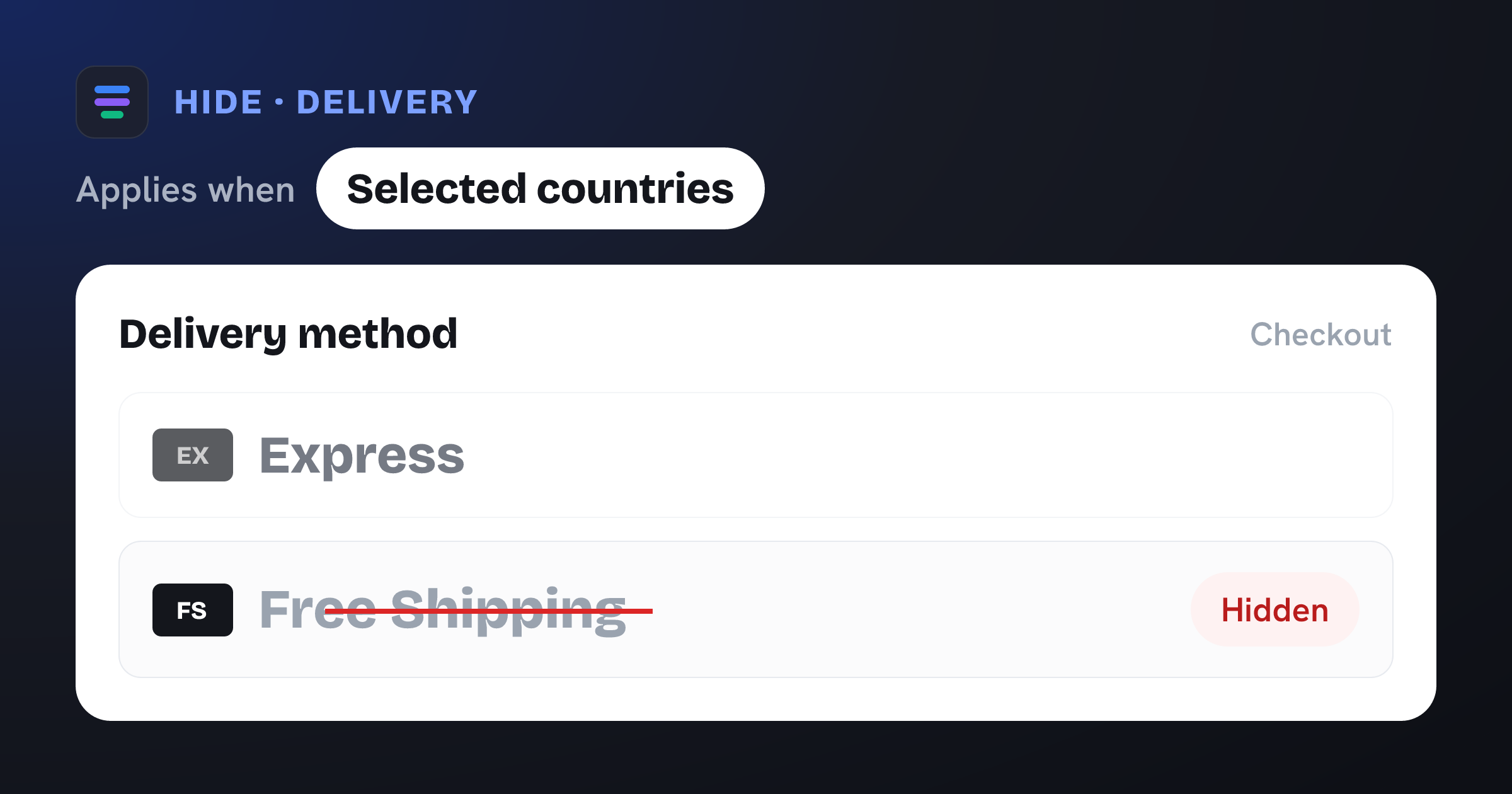
Hides the Free Shipping delivery method when Shipping country is not one of your selected countries.
The problem it solves
Free shipping wins conversions in your core markets, but offering it to every country quietly eats your margin on distant, expensive-to-serve destinations. If everyone sees a free option, you end up subsidising orders you never intended to.
What you get
Offers free shipping only where it’s actually profitable for you.
Stops margin leakage on far or high-cost destinations.
Keeps your paid rates in place for every other country.
Per-country control at checkout — no code, no separate shipping zones to rebuild.
What the template contains
Hide · Shipping method
Conditions
- Shipping country is not one of your selected countries
Reach for this when…
-
Free shipping for your domestic market only, paid rates abroad.
-
Free shipping across one region (e.g. the EU) but not the rest of the world.
-
A free-shipping promotion limited to specific target countries.
Import in three steps
- 01
Download the JSON
Grab this template as a ready-to-import rule file.
- 02
Import in the app
In Nex Reorder, open Rules → Import and pick the file.
- 03
Review & activate
Tweak methods or conditions to match your store, then go live.
Good to know
- The country list ships empty — after importing, add the countries that SHOULD keep Free Shipping (everywhere else has it hidden).
- Matches your “Free Shipping” rate by its checkout label; adjust the method if yours is named differently.
Questions
Hide Free Shipping for selected countries
Does this remove Free Shipping for everyone?
No. Free Shipping stays visible for the countries you select and is hidden only for shoppers shipping elsewhere.
How do I choose which countries keep it?
After importing, open the rule and add your countries to the shipping-country list. Those keep Free Shipping; all others have it hidden.
Are my other shipping rates affected?
No. Only the Free Shipping rate is touched. Every paid rate continues to show as normal.
hide-free-shipping-countries.rule.json
{
  "formatVersion": 1,
  "type": "rule",
  "app": "pay-reorder",
  "exportedAt": "2026-08-03T00:00:00.000Z",
  "rule": {
    "name": "Hide Free Shipping for selected countries",
    "methodType": "shipping",
    "action": "hide",
    "methods": [
      {
        "name": "Free Shipping",
        "code": "Free Shipping"
      }
    ],
    "conditions": [
      {
        "type": "shipping_country",
        "operator": "nin",
        "values": []
      }
    ],
    "matchType": "all",
    "tier": "general",
    "hideAll": false
  }
}
This is the exact import format — app: "pay-reorder", validated by the app on import.
Related checkout rules
Control your Shopify checkout
$4.99/month, free trial. Import this template and go live in minutes.