 Netherlands
 Show iDEAL first in the Netherlands
When the shipping country is the Netherlands, move iDEAL to the first position at checkout so local shoppers see their preferred payment method by default.
Free template · imports into Nex Reorder via Rules → Import
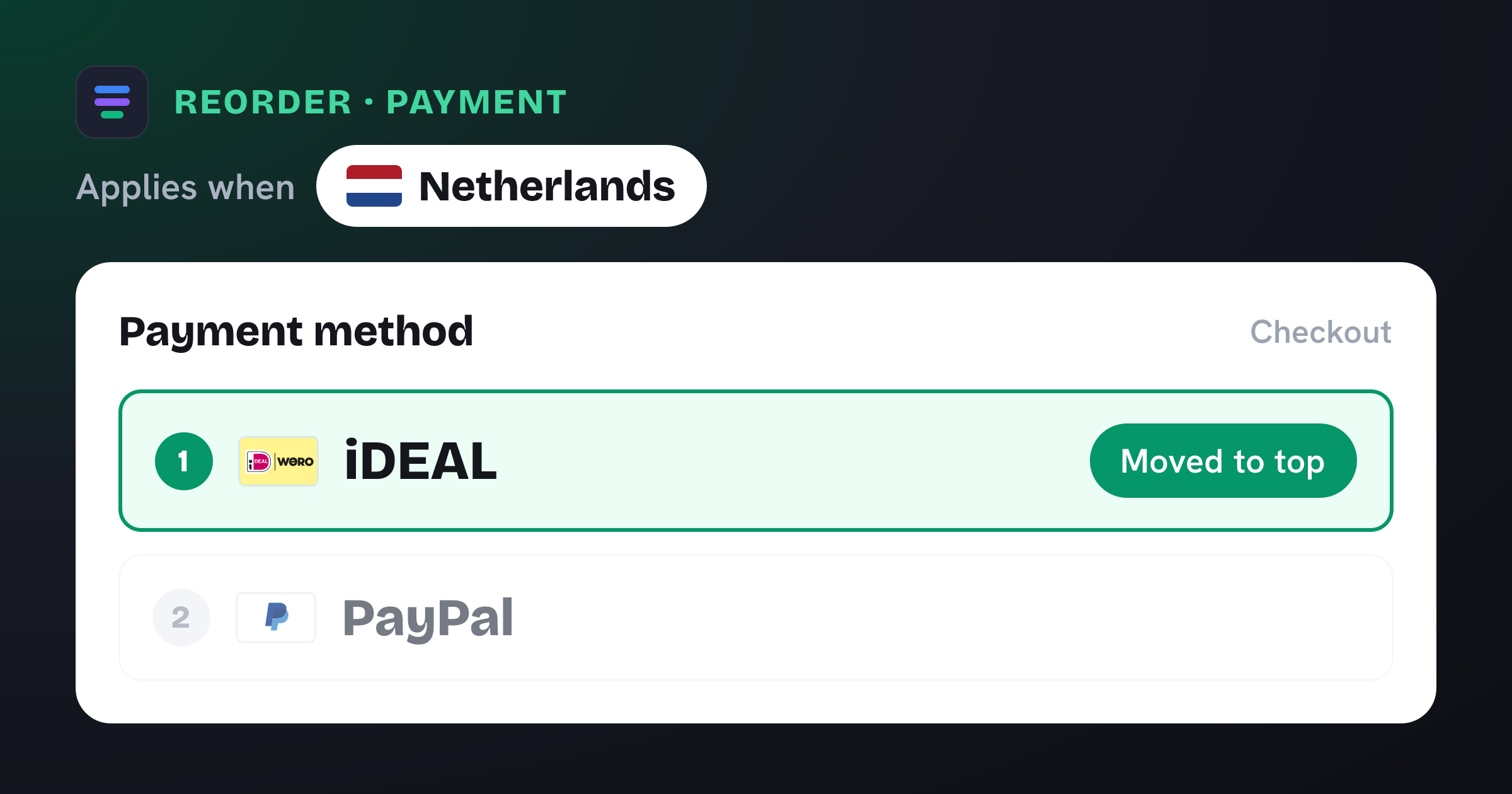
Moves iDEAL to the top of the payment method list at checkout when Shipping country is Netherlands.
The problem it solves
In the Netherlands, iDEAL is simply how people pay online — it handles the majority of Dutch e‑commerce payments. When a shopper from the Netherlands reaches your checkout and iDEAL is buried beneath cards and wallets, you add friction at the worst possible moment. Some will scroll to hunt for it; others will hesitate and drop off.
What you get
Puts the method most Dutch shoppers expect right at the top of the list.
Removes the “where’s iDEAL?” hesitation that quietly costs you conversions.
Fires only for shoppers shipping to the Netherlands — every other market keeps your normal order.
No theme edits or checkout code — the order is applied automatically at checkout.
What the template contains
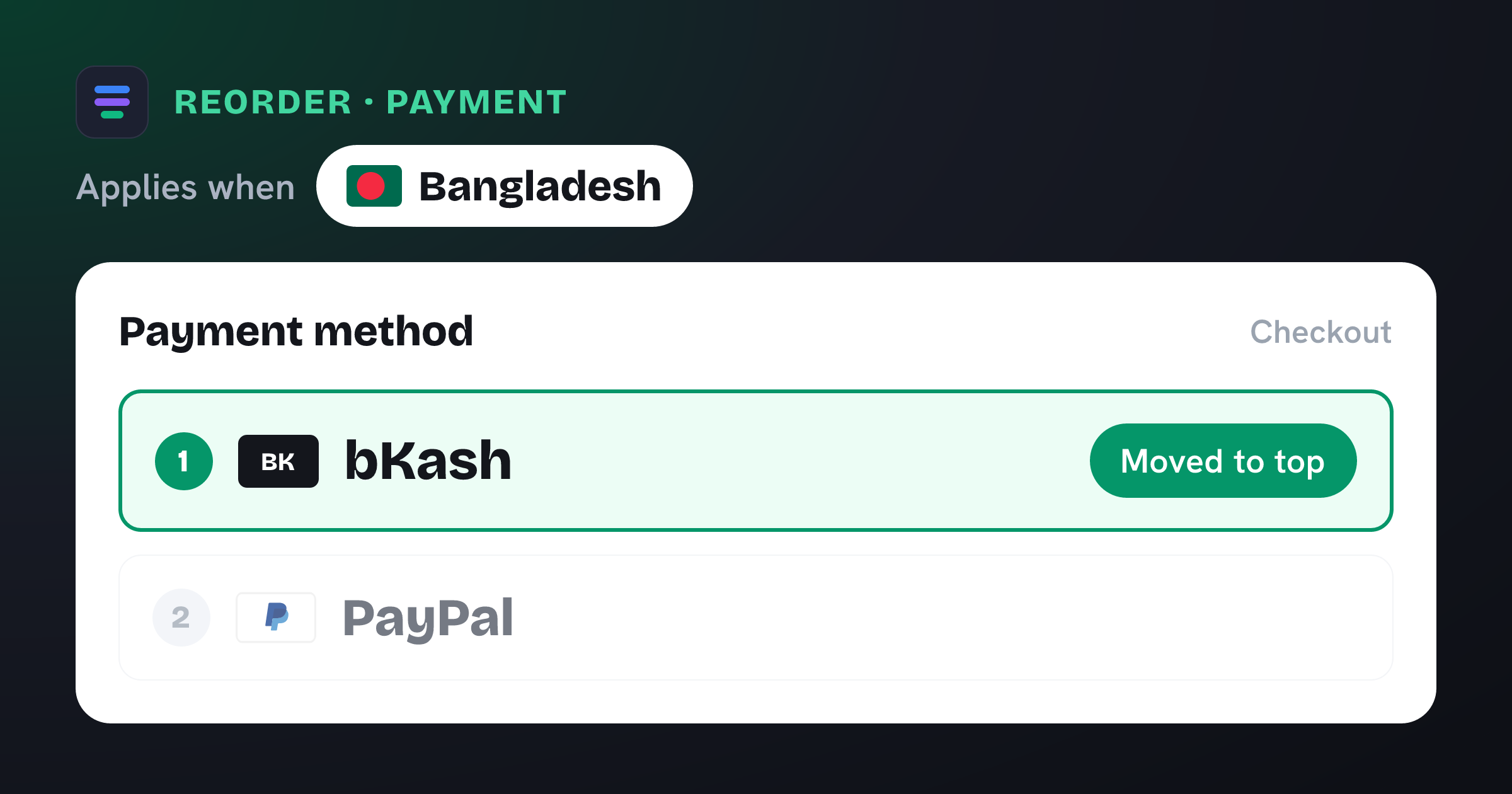
Reorder · Payment method
Conditions
- Shipping country is one of Netherlands
New order
- 1 iDEAL moved to the top
Reach for this when…
-
You sell into the Netherlands and offer iDEAL through your payment provider.
-
Your default method order was set for another market, so cards or wallets show first.
-
You run Dutch-language or NL-targeted campaigns and want a native-feeling checkout.
Import in three steps
- 01
Download the JSON
Grab this template as a ready-to-import rule file.
- 02
Import in the app
In Nex Reorder, open Rules → Import and pick the file.
- 03
Review & activate
Tweak methods or conditions to match your store, then go live.
Good to know
- iDEAL must be enabled in your Shopify payment settings for the rule to have something to move.
- Ships with the Netherlands pre-selected — add more countries if your provider offers iDEAL elsewhere.
Questions
Show iDEAL first in the Netherlands
Does this hide any payment methods?
No. It only changes the order. Every method stays available — iDEAL simply moves to the top for shoppers in the Netherlands.
Will shoppers from other countries be affected?
No. The rule is scoped to shipping addresses in the Netherlands. All other orders keep your existing method order untouched.
Do I need to edit my theme or checkout?
No. Import the template, activate it, and Nex Reorder applies the order at checkout — no code, no theme changes.
ideal-first-netherlands.rule.json
{
  "formatVersion": 1,
  "type": "rule",
  "app": "pay-reorder",
  "exportedAt": "2026-08-03T00:00:00.000Z",
  "rule": {
    "name": "Show iDEAL first in the Netherlands",
    "methodType": "payment",
    "action": "reorder",
    "methods": [
      {
        "name": "iDEAL",
        "code": "ideal"
      }
    ],
    "conditions": [
      {
        "type": "shipping_country",
        "operator": "in",
        "values": [
          "NL"
        ]
      }
    ],
    "matchType": "all",
    "tier": "general",
    "hideAll": false,
    "displayOrder": [
      {
        "name": "iDEAL",
        "code": "ideal",
        "index": 1
      }
    ]
  }
}
This is the exact import format — app: "pay-reorder", validated by the app on import.
Related checkout rules
Control your Shopify checkout
$4.99/month, free trial. Import this template and go live in minutes.