Reorder Payment
Move Cash on Delivery to bottom
Deprioritize Cash on Delivery so it appears last at checkout.
Free template · imports into Nex Reorder via Rules → Import
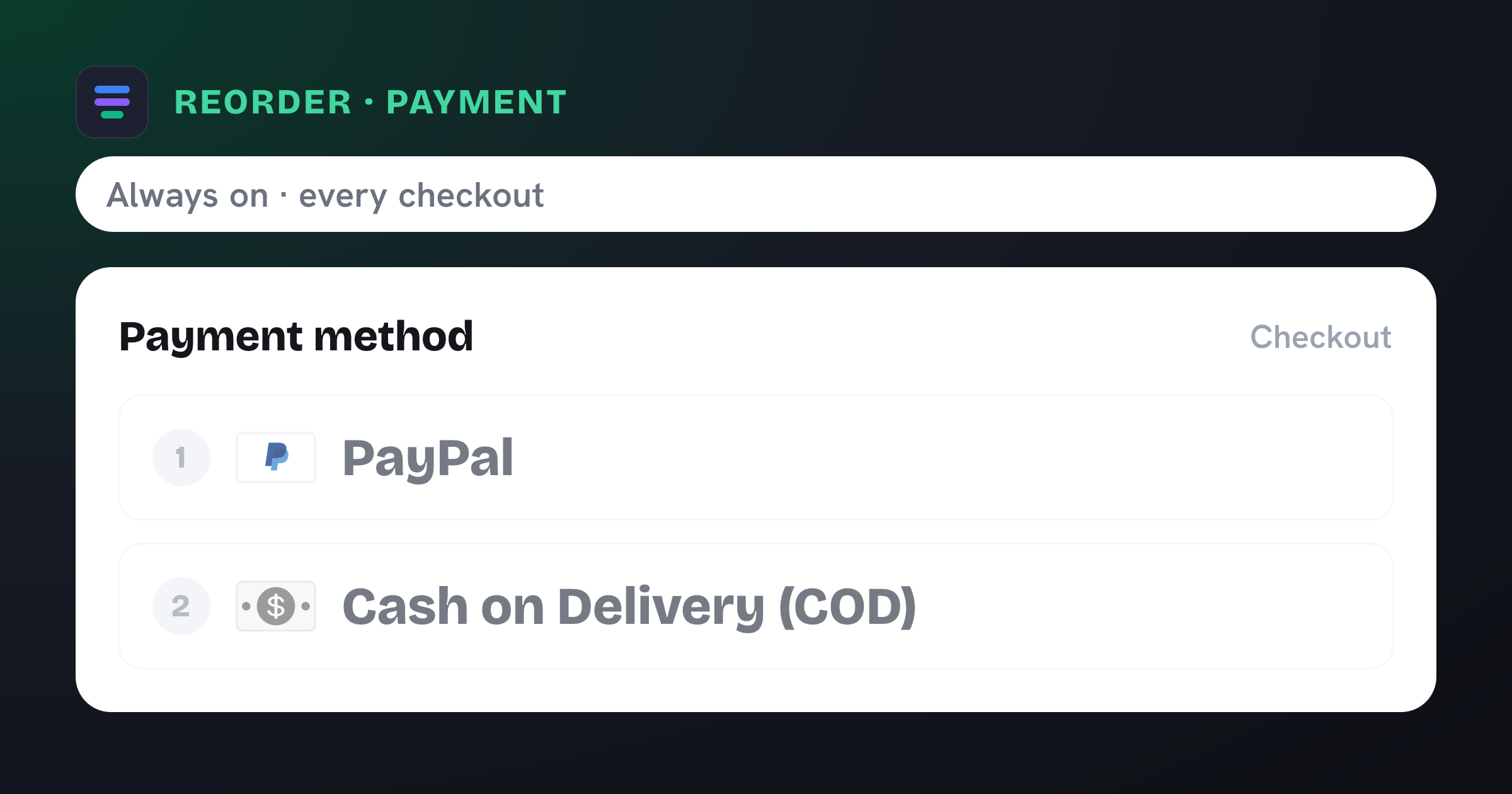
Moves Cash on Delivery (COD) to the top of the payment method list at checkout.
What the template contains
Reorder · Payment method
Cash on Delivery (COD)
Conditions
Always on — no conditions. Applies to every eligible checkout.
New order
- ↓ Cash on Delivery (COD) moved to the bottom
Import in three steps
- 01
Download the JSON
Grab this template as a ready-to-import rule file.
- 02
Import in the app
In Nex Reorder, open Rules → Import and pick the file.
- 03
Review & activate
Tweak methods or conditions to match your store, then go live.
The file
move-cod-bottom.rule.json
{
  "formatVersion": 1,
  "type": "rule",
  "app": "pay-reorder",
  "exportedAt": "2026-08-03T00:00:00.000Z",
  "rule": {
    "name": "Move Cash on Delivery to bottom",
    "methodType": "payment",
    "action": "reorder",
    "methods": [
      {
        "name": "Cash on Delivery (COD)",
        "code": "Cash on Delivery (COD)"
      }
    ],
    "conditions": [],
    "matchType": "all",
    "tier": "general",
    "hideAll": false,
    "displayOrder": [
      {
        "name": "Cash on Delivery (COD)",
        "code": "Cash on Delivery (COD)",
        "index": 9999
      }
    ]
  }
}
This is the exact import format — app: "pay-reorder", validated by the app on import.
More templates
Related checkout rules
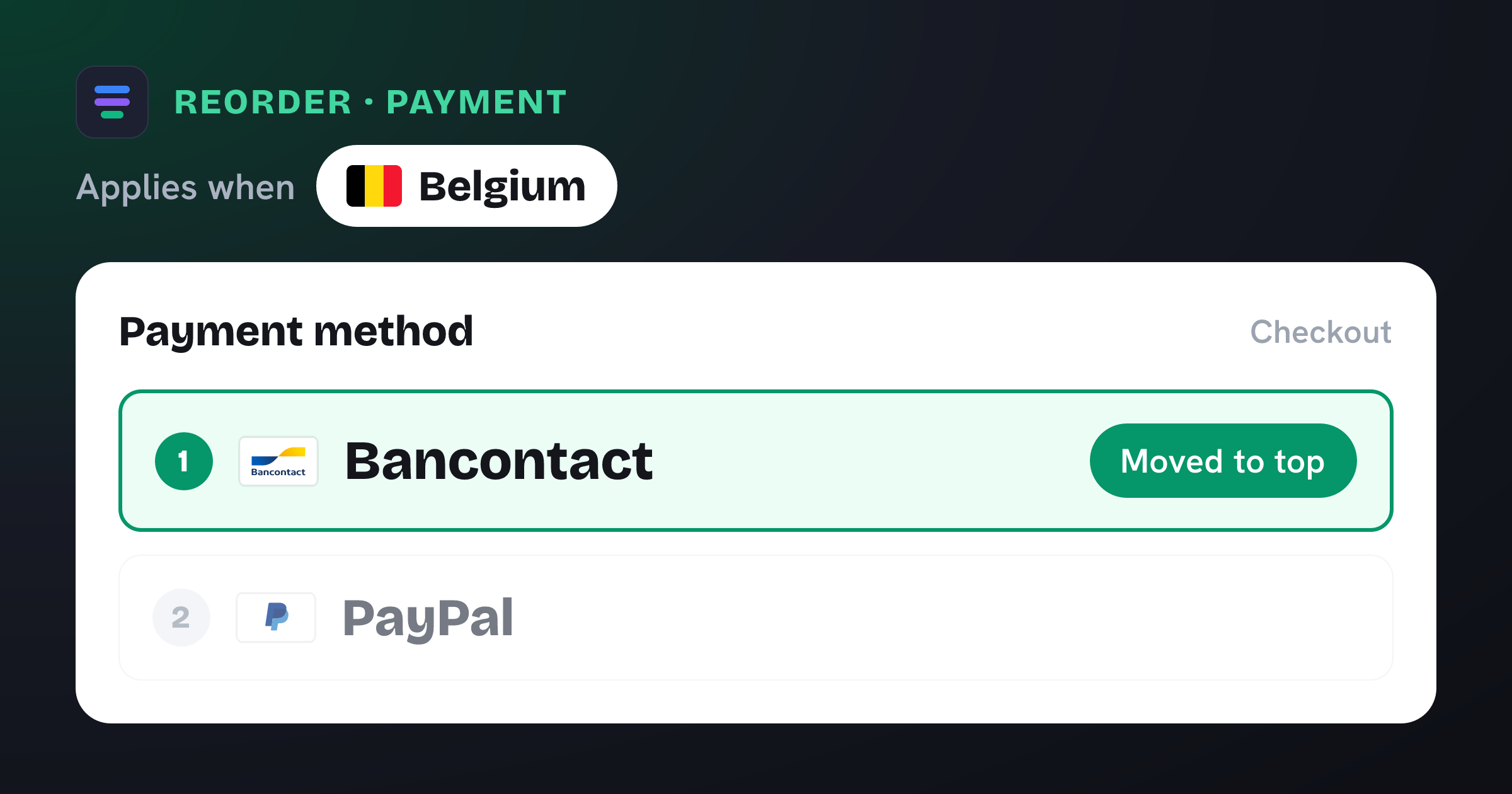
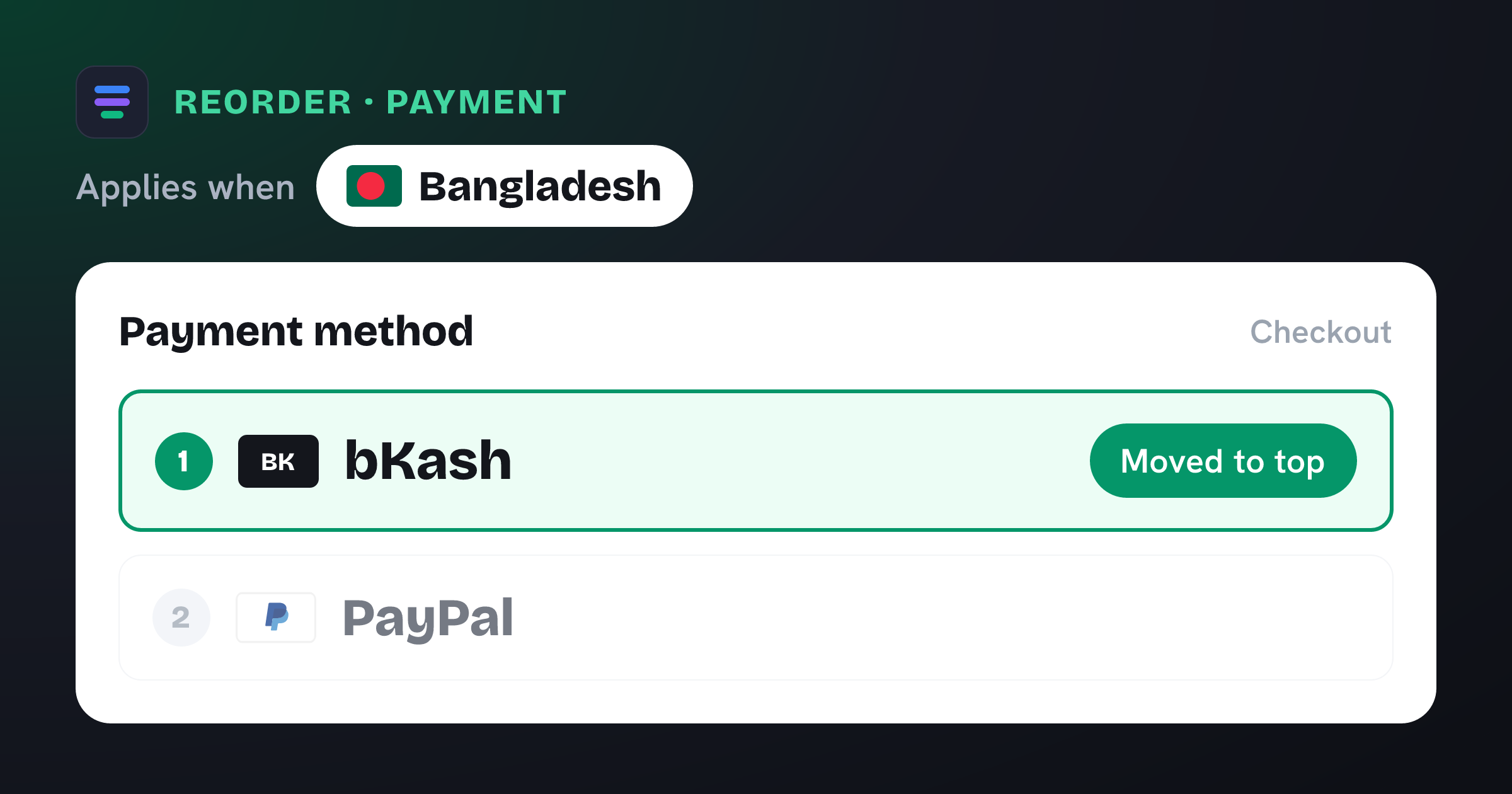
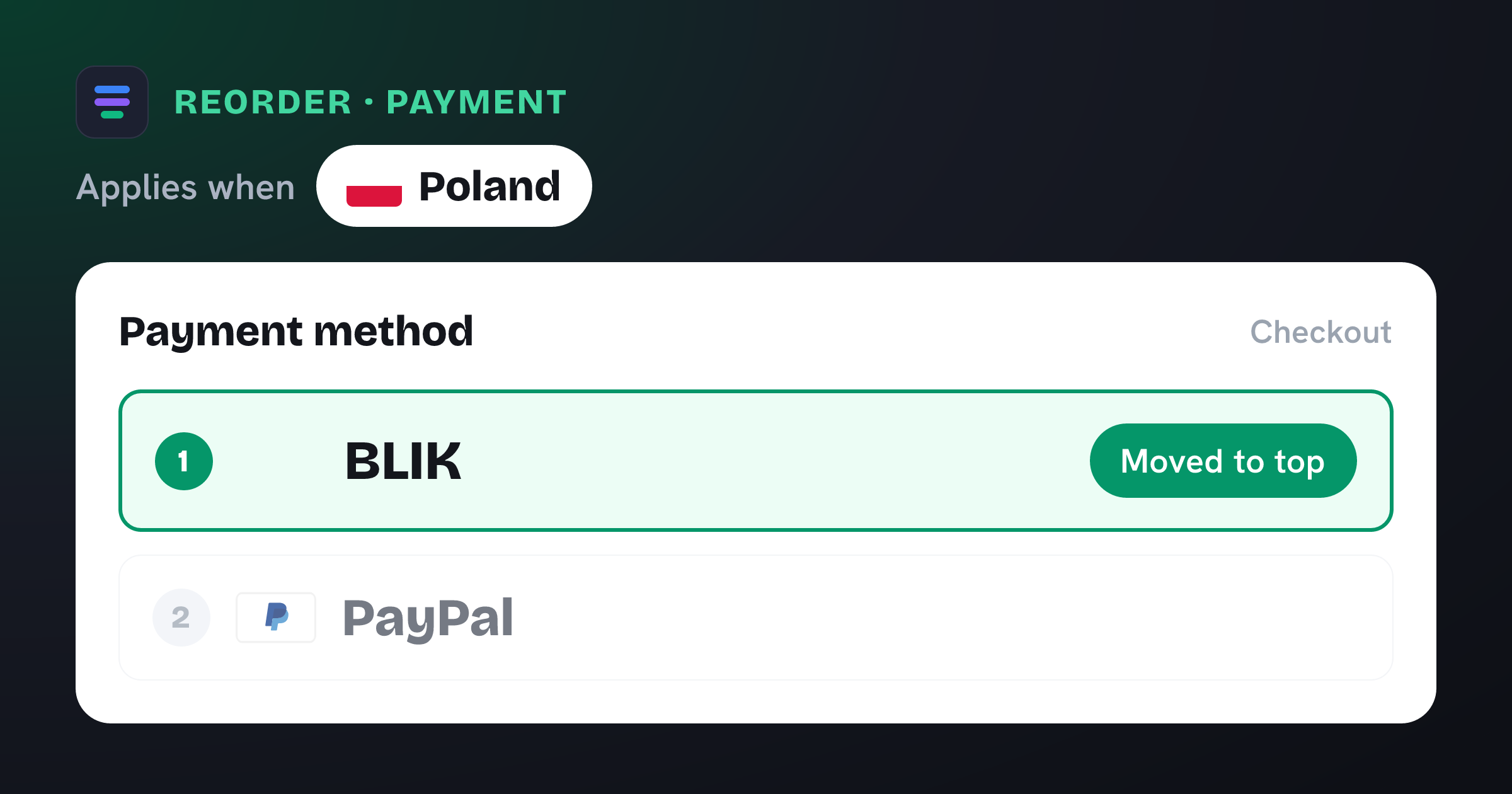
Control your Shopify checkout
$4.99/month, free trial. Import this template and go live in minutes.