Rename Cash on Delivery
Change how the Cash on Delivery label appears at checkout.
Free template · imports into Nex Reorder via Rules → Import
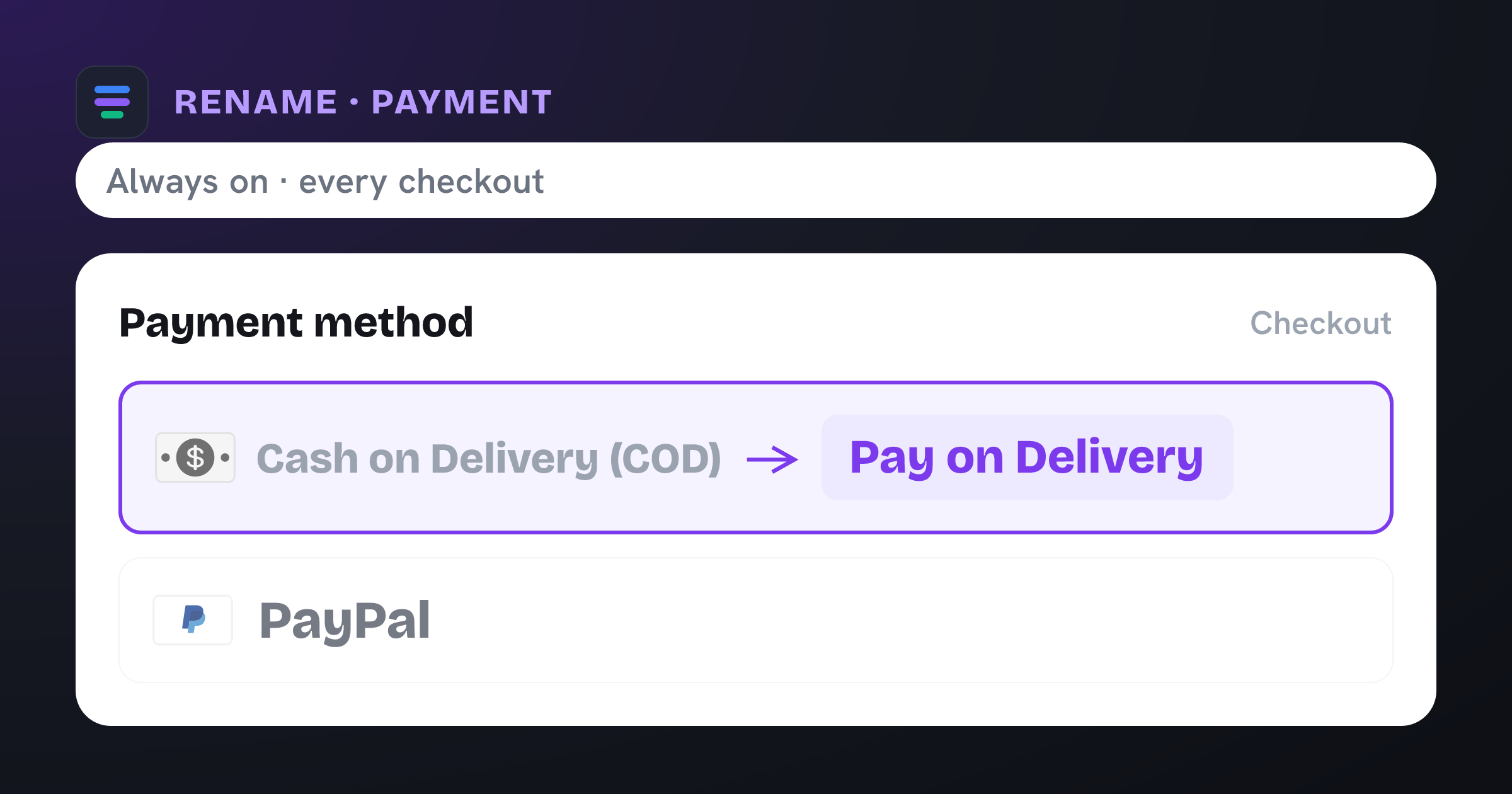
Renames “Cash on Delivery (COD)” to “Pay on Delivery” at checkout.
The problem it solves
“Cash on Delivery (COD)” is clear to some shoppers and baffling to others — especially where the acronym means nothing, or where paying the courier by card is the norm. A vague label at the payment step plants doubt right before someone commits to buy.
What you get
Speaks your customers’ language — “Pay on Delivery”, “Pay when it arrives”, and so on.
Removes ambiguity at the exact moment shoppers decide to buy.
Rebrands or clarifies the option without changing your payment provider.
Applies everywhere, or only under the conditions you choose.
What the template contains
Rename · Payment method
Conditions
Always on — no conditions. Applies to every eligible checkout.
New label
- Cash on Delivery (COD) Pay on Delivery
Reach for this when…
-
Your audience doesn’t recognize the “COD” acronym.
-
You want a friendlier, more reassuring label such as “Pay on Delivery”.
-
You’re localizing checkout wording for a specific market.
Import in three steps
- 01
Download the JSON
Grab this template as a ready-to-import rule file.
- 02
Import in the app
In Nex Reorder, open Rules → Import and pick the file.
- 03
Review & activate
Tweak methods or conditions to match your store, then go live.
Good to know
- This template renames to “Pay on Delivery” — change it to any wording you like after importing.
- Renaming changes only the displayed label, never how the payment is processed.
Questions
Rename Cash on Delivery
Does renaming change how the payment works?
No. Only the label shoppers see changes. The underlying payment method and settlement are completely untouched.
Can I use a different name?
“Pay on Delivery” is just the default in this template — change it to whatever fits your brand and market.
Can I rename it only for some shoppers?
Yes. Add conditions (country, cart value, and more) so the new label appears only where you want it.
rename-cod.rule.json
{
  "formatVersion": 1,
  "type": "rule",
  "app": "pay-reorder",
  "exportedAt": "2026-08-03T00:00:00.000Z",
  "rule": {
    "name": "Rename Cash on Delivery",
    "methodType": "payment",
    "action": "rename",
    "methods": [
      {
        "name": "Cash on Delivery (COD)",
        "code": "Cash on Delivery (COD)"
      }
    ],
    "conditions": [],
    "matchType": "all",
    "tier": "general",
    "hideAll": false,
    "renamePairs": [
      {
        "original": "Cash on Delivery (COD)",
        "newName": "Pay on Delivery"
      }
    ]
  }
}
This is the exact import format — app: "pay-reorder", validated by the app on import.
Related checkout rules
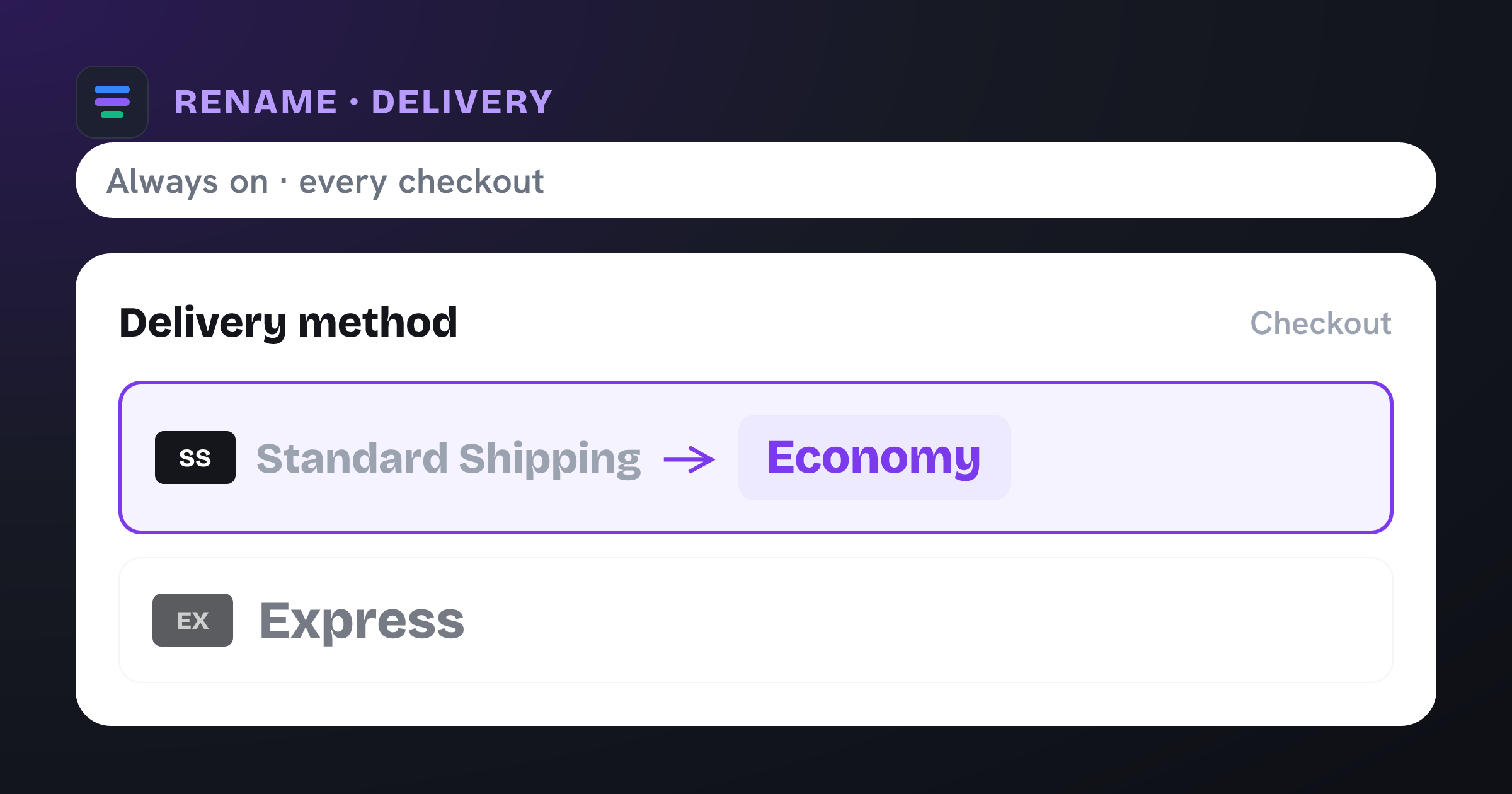
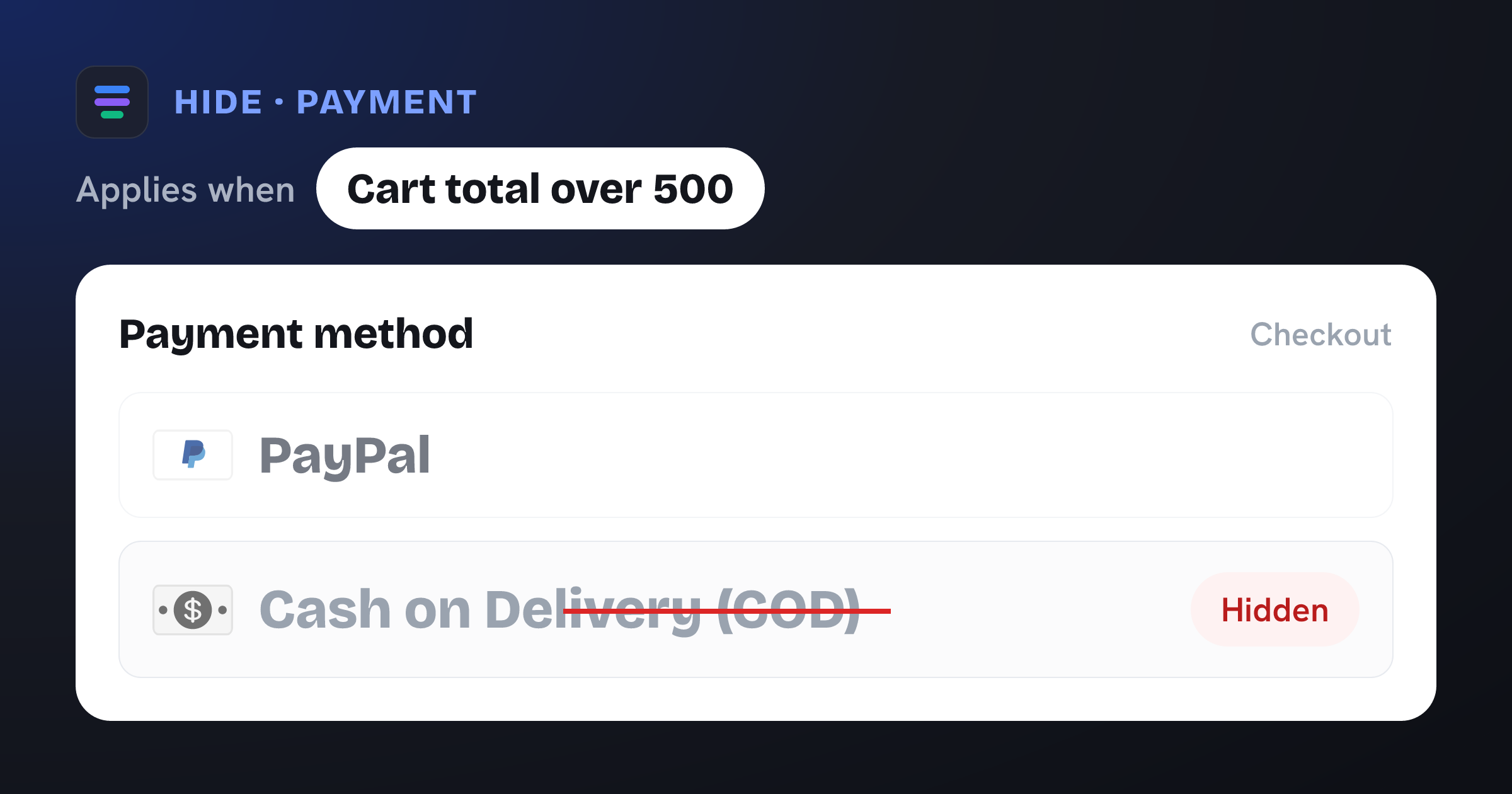
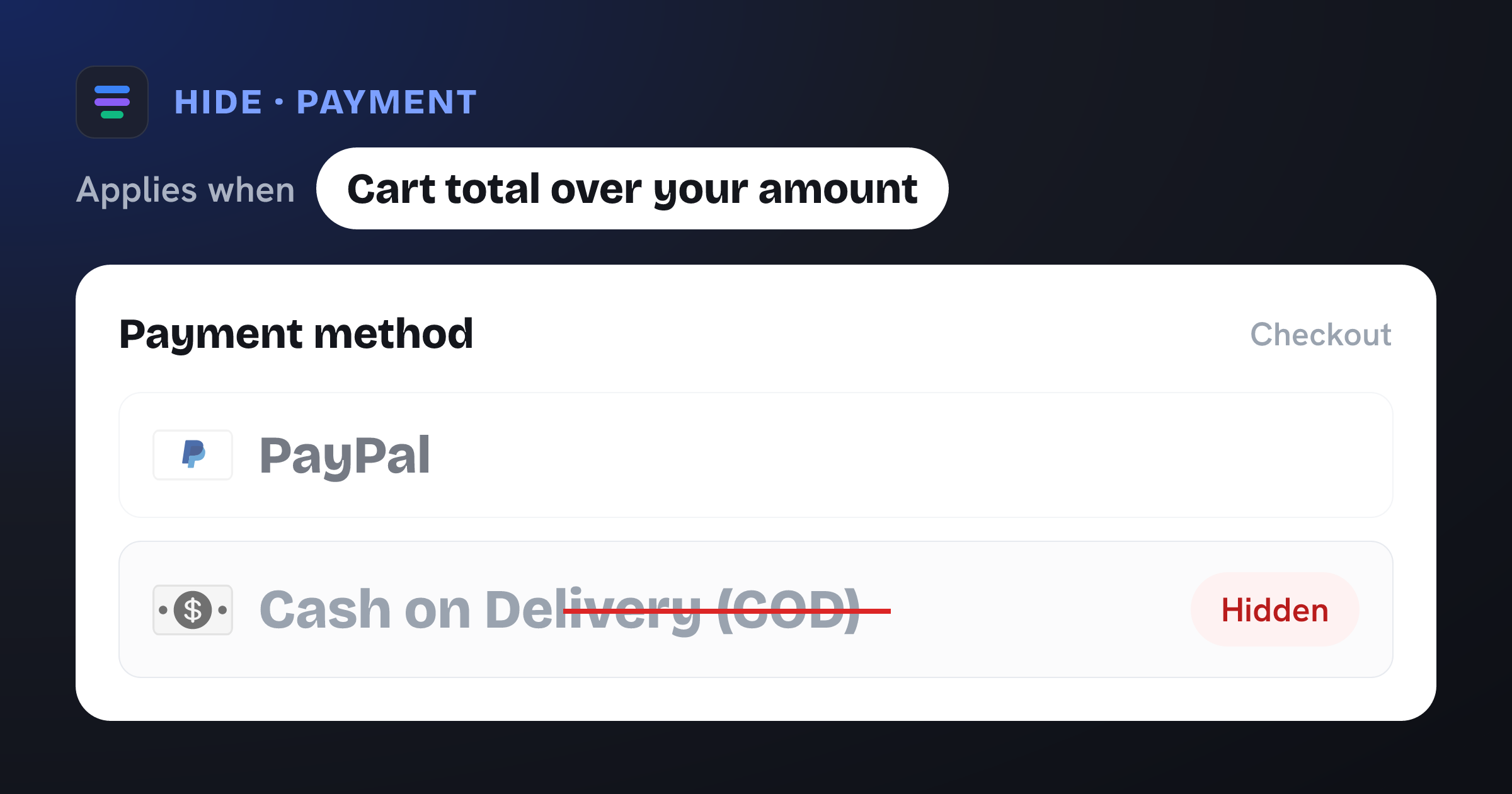
Control your Shopify checkout
$4.99/month, free trial. Import this template and go live in minutes.