 Norway
 Show Vipps first in Norway
When the shipping country is Norway, move Vipps to the first position at checkout so local shoppers see their preferred payment method by default.
Free template · imports into Nex Reorder via Rules → Import
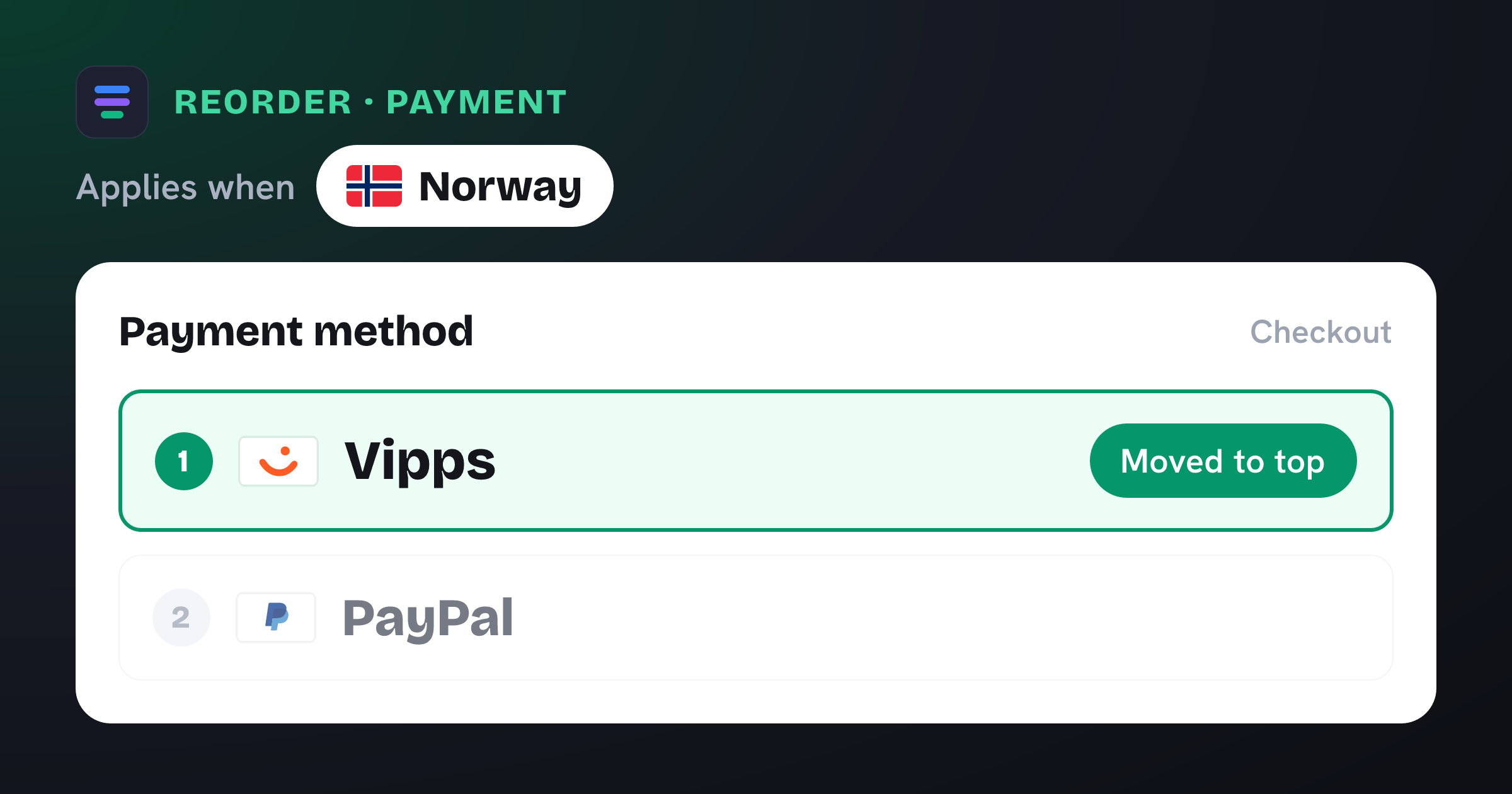
Moves Vipps to the top of the payment method list at checkout when Shipping country is Norway.
The problem it solves
In Norway, Vipps is close to universal — most people pay with it by default and look for it first. When Vipps is buried beneath cards on your checkout, Norwegian shoppers have to hunt for the option they trust most, and some won’t bother.
What you get
Surfaces the payment app most Norwegians expect, right at the top.
Cuts the “where’s Vipps?” friction that costs conversions.
Applies only to shoppers shipping to Norway.
No code or theme changes — it’s applied at checkout.
What the template contains
Reorder · Payment method
Conditions
- Shipping country is one of Norway
New order
- 1 Vipps moved to the top
Reach for this when…
-
You sell into Norway and offer Vipps through your provider.
-
Cards or wallets currently show above Vipps by default.
-
You’re targeting Norwegian shoppers and want a local-first checkout.
Import in three steps
- 01
Download the JSON
Grab this template as a ready-to-import rule file.
- 02
Import in the app
In Nex Reorder, open Rules → Import and pick the file.
- 03
Review & activate
Tweak methods or conditions to match your store, then go live.
Good to know
- Vipps must be enabled in your Shopify payments for the rule to move it.
- Ships with Norway pre-selected.
Questions
Show Vipps first in Norway
Does this remove other methods?
No — it only changes the order. Vipps moves to the top; everything else stays available.
Will other countries see the change?
No. It’s scoped to shipping addresses in Norway.
Any theme edits needed?
None. Import, activate, done.
vipps-first-norway.rule.json
{
  "formatVersion": 1,
  "type": "rule",
  "app": "pay-reorder",
  "exportedAt": "2026-08-03T00:00:00.000Z",
  "rule": {
    "name": "Show Vipps first in Norway",
    "methodType": "payment",
    "action": "reorder",
    "methods": [
      {
        "name": "Vipps",
        "code": "Vipps"
      }
    ],
    "conditions": [
      {
        "type": "shipping_country",
        "operator": "in",
        "values": [
          "NO"
        ]
      }
    ],
    "matchType": "all",
    "tier": "general",
    "hideAll": false,
    "displayOrder": [
      {
        "name": "Vipps",
        "code": "Vipps",
        "index": 1
      }
    ]
  }
}
This is the exact import format — app: "pay-reorder", validated by the app on import.
Related checkout rules
Control your Shopify checkout
$4.99/month, free trial. Import this template and go live in minutes.