Hide Shopify Payments for specific countries
Hide Shopify Payments at checkout when the shipping country is one of your selection.
Free template · imports into Nex Reorder via Rules → Import
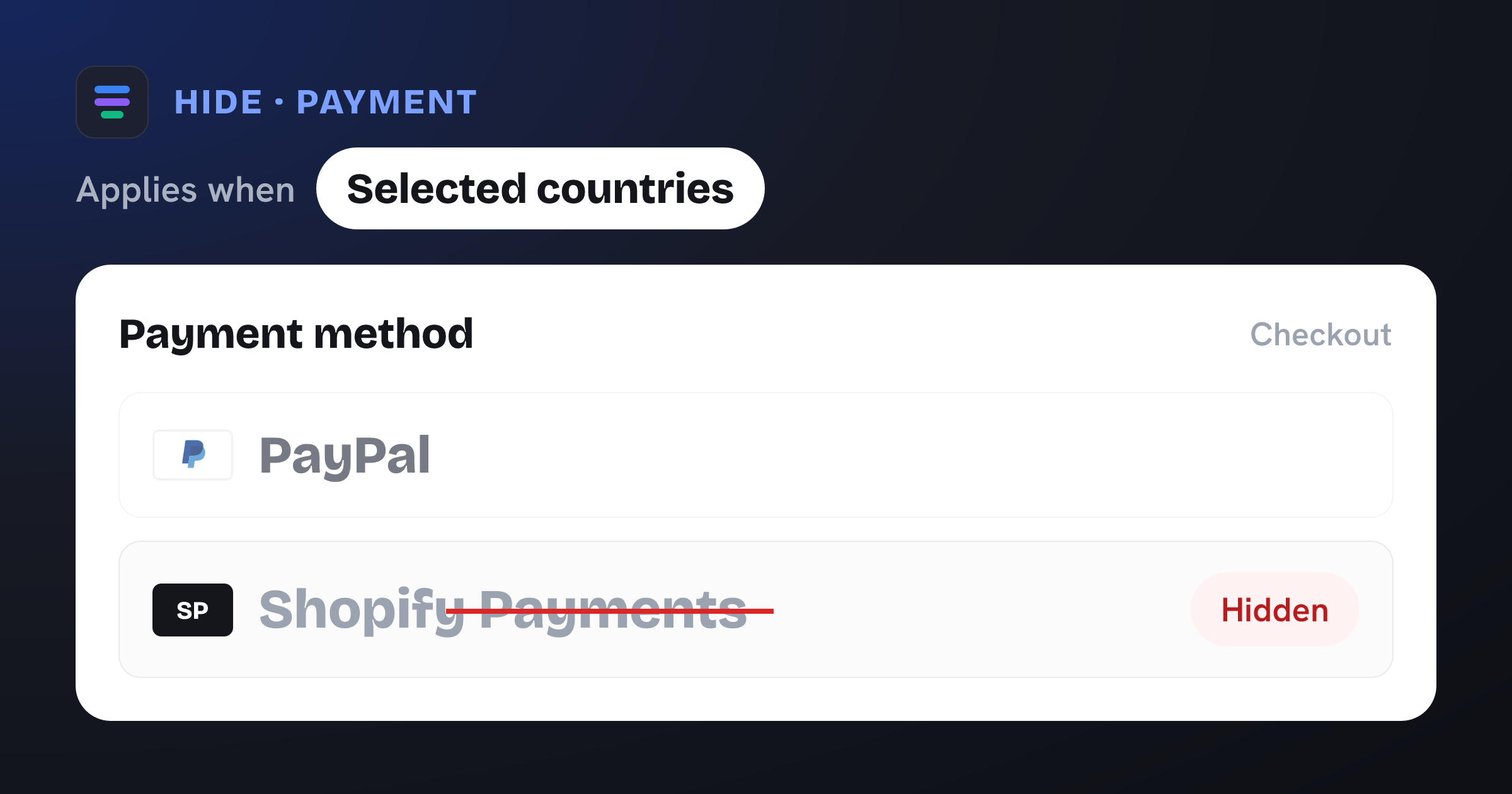
Hides the Shopify Payments payment method when Shipping country is one of your selected countries.
The problem it solves
Card payments through Shopify Payments aren’t the right fit in every market — in some regions acceptance is low, fees are high, or you’d rather route buyers to a trusted local method. Showing cards there just adds clutter and a payment path you don’t want to encourage.
What you get
Controls exactly which markets see the Shopify Payments card option.
Steers shoppers in chosen countries toward local or manual methods instead.
Reduces failed or expensive card attempts in low-card regions.
Country-level control at checkout — no code required.
What the template contains
Hide · Payment method
Conditions
- Shipping country is one of your selected countries
Reach for this when…
-
You rely on a local gateway or bank transfer in certain countries.
-
Card acceptance or fraud makes cards a poor fit for a specific market.
-
You want manual or offline payment only for some regions.
Import in three steps
- 01
Download the JSON
Grab this template as a ready-to-import rule file.
- 02
Import in the app
In Nex Reorder, open Rules → Import and pick the file.
- 03
Review & activate
Tweak methods or conditions to match your store, then go live.
Good to know
- The country list ships empty — add the countries where Shopify Payments should be hidden after importing.
- Hides the method labelled “Shopify Payments”; other card-based methods are unaffected unless they share that label.
Questions
Hide Shopify Payments for specific countries
Does this block all card payments?
It hides the “Shopify Payments” option for the countries you choose. Any separately-listed card method keeps showing unless you hide it too.
Which shoppers are affected?
Only shoppers whose shipping country is in your selected list. Everyone else sees Shopify Payments as normal.
Do I need to touch my theme or payment settings?
No. Import the template, add your countries, and activate — the rule applies at checkout with no code.
hide-shopify-payments-states.rule.json
{
  "formatVersion": 1,
  "type": "rule",
  "app": "pay-reorder",
  "exportedAt": "2026-08-03T00:00:00.000Z",
  "rule": {
    "name": "Hide Shopify Payments for specific countries",
    "methodType": "payment",
    "action": "hide",
    "methods": [
      {
        "name": "Shopify Payments",
        "code": "Shopify Payments"
      }
    ],
    "conditions": [
      {
        "type": "shipping_country",
        "operator": "in",
        "values": []
      }
    ],
    "matchType": "all",
    "tier": "general",
    "hideAll": false
  }
}
This is the exact import format — app: "pay-reorder", validated by the app on import.
Related checkout rules
Control your Shopify checkout
$4.99/month, free trial. Import this template and go live in minutes.